

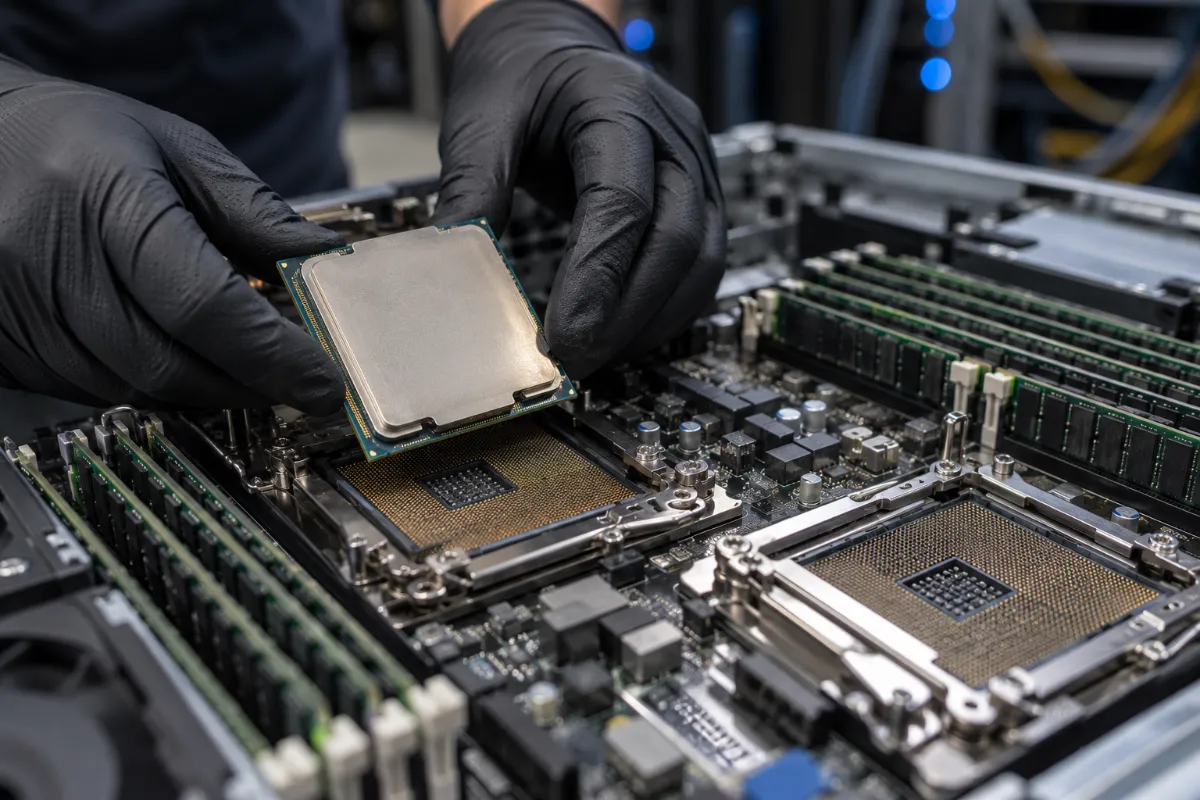
Buying a server? The processor shapes almost everything else. It affects performance, power draw, software costs, and how long the machine stays useful.
The market has also changed fast. AMD just announced its Zen 6 EPYC line. Intel is reshaping its Xeon family. Arm chips are gaining ground in data centers. So this guide covers what server processors do, which types you can buy now, and which specs deserve your attention before you commit.
What Does a Server Processor Do?
A server processor runs the workloads your business depends on. That includes websites, databases, applications, virtual machines, and increasingly, AI workloads. It handles many tasks at once, around the clock.
Server chips differ from desktop chips in important ways. They support much more memory. They offer more PCIe lanes for storage, networking, and accelerators. They add reliability features and support multiple sockets in one machine. Desktop chips like the Core i9 and Ryzen 9 usually lack these features. They belong in workstations and gaming PCs, not rack servers.
Types of Server Processors
Older guides split the market into x86 and RISC. That framing no longer fits, because Arm and IBM Power are both RISC designs. Today, three groups matter most.
x86 (Intel Xeon and AMD EPYC). These chips run most enterprise servers. They work with the widest range of operating systems and business software. If you’re unsure which way to go, x86 is the safe default.
Arm. Arm chips focus on efficiency and high core counts. AWS Graviton, NVIDIA Grace and Vera, and Ampere are the best-known examples. Counterpoint Research put Arm at roughly 13% of the server CPU market at the end of 2025. Industry reports suggest the largest cloud operators run a much bigger share of their compute on Arm. For on-premises buyers, software compatibility is the main question to answer first.
IBM Power. Power remains the standard choice for AIX and IBM i environments. It’s a specialty option, but a solid one if your applications depend on it.
Current Server Processor Families
Here’s where the main options stand today.
| Family | Architecture | Max Cores | Status |
|---|---|---|---|
| AMD EPYC 9005 “Turin” (Zen 5) | x86 | 192 | Shipping |
| AMD EPYC 9006 “Venice” (Zen 6) | x86 | 96 standard, 256 dense | Announced July 2026, SP7 shipping Q4 2026 |
| Intel Xeon 6 (Granite Rapids) | x86 | 128 performance cores | Shipping |
| Intel Xeon 6 (Sierra Forest) | x86 | 144 efficiency cores | Shipping |
| Intel Xeon 6+ (Clearwater Forest) | x86 | 288 efficiency cores | Arriving |
| NVIDIA Vera | Arm | 88 | Unveiled May 2026, AI-focused systems |
AMD EPYC
AMD currently leads on core count. Turin tops out at 192 cores. Venice raises that to 256 cores in its dense configuration. Standard Zen 6 parts reach 96 cores for workloads that favor per-core speed. Venice also moves to a 2nm process, supports PCIe 6.0, and offers up to 16 memory channels.
Intel Xeon
Intel’s Xeon 6 family splits into two lines. Granite Rapids uses performance cores, up to 128 per chip. Sierra Forest uses efficiency cores, up to 144. Clearwater Forest extends the efficiency-core line to 288 cores. Intel’s next performance-core Xeon is reportedly not due before 2027.
Arm Options
NVIDIA’s Vera has 88 custom cores and supports up to 1.5TB of memory per socket. NVIDIA built it to pair with its GPUs in AI systems. AWS Graviton, on the other hand, only runs in Amazon’s cloud. You can’t buy it for your own data center.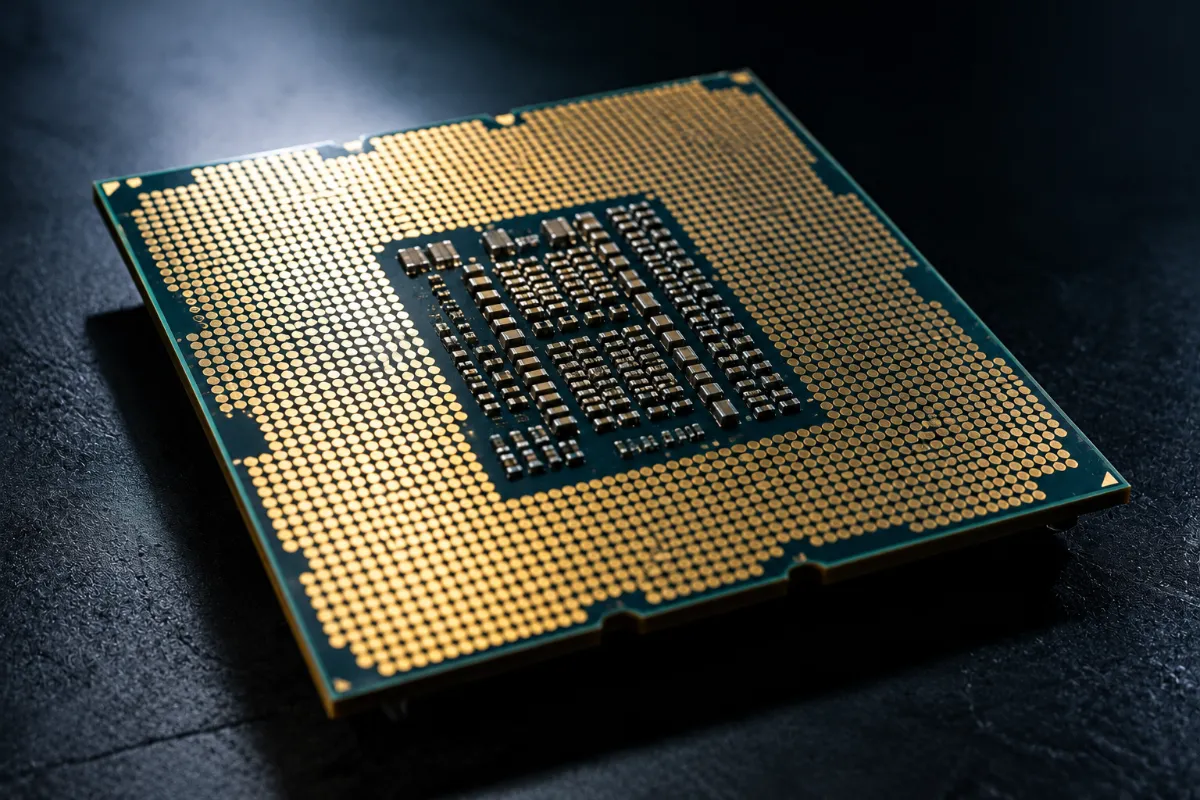
Factors to Consider When Choosing a Server Processor
1. Your Workload
Start here. Web servers, application servers, databases, virtualization hosts, and AI systems all stress hardware differently. Databases often favor strong per-core performance. Virtualization and web serving usually benefit from high core counts. AI systems depend heavily on the CPU-to-GPU connection.
2. Cores and Threads
More cores let a server handle more tasks at once. But more isn’t always better. Many enterprise software licenses scale with core count. A bigger chip can raise your software bill faster than it raises your performance. So match the core count to your actual workload.
3. Clock Speed
Clock speed used to be the headline number. Now it tells only part of the story. Cache size, memory bandwidth, and architecture all affect real performance. Compare benchmarks on your own type of workload instead of comparing gigahertz.
4. Memory Support
Modern servers handle far more memory than the old “1TB” limit. Many current platforms support several terabytes per socket. Venice also adds channels, which boosts memory bandwidth.
Here’s the catch. Memory prices have roughly doubled, according to recent market reports. Analysts expect elevated pricing into 2027. For many builds, memory now costs more than the processor. So price out your full configuration before you pick a CPU.
5. Expandability and I/O
Check the PCIe generation and lane count. They determine how many drives, network cards, and accelerators you can add. Also decide between single-socket and dual-socket designs. Single-socket servers cost less, and modern chips have enough cores that many businesses don’t need two.
6. Security and Data Handling
Look at built-in security features, like memory encryption and secure boot. Also check how well the chip moves data between memory, storage, and the network. Good data handling keeps a server responsive under heavy load, which matters most for busy web and database servers.
7. Power and Cooling
Processors draw a lot of power, and cooling adds to the bill. Dense AI racks can demand 20 to 100 kilowatts, compared to the 5 to 10 kilowatts older facilities were built for. Confirm your power and cooling can handle the chip you choose.
8. Total Cost and Budget
Don’t stop at the processor’s price. Add memory, software licensing, power, cooling, and support. Then set a realistic budget based on the full system.
9. Platform and Vendor Support
Your CPU choice depends partly on which servers your vendor sells. Dell and HPE both build around Intel and AMD options. For a head-to-head look at both vendors, read our guide on HPE vs. Dell servers.
What to Do With Your Old Servers and Processors
A processor upgrade usually means retiring old hardware. Here’s what to know before it leaves the building.
Processors themselves don’t store your data. But the servers around them do. Drives, firmware, and management controllers can all hold sensitive information. So sanitize or destroy every data-bearing component first, following current NIST SP 800-88 Revision 2 guidance. Our data erasure process does this with full chain of custody documentation.
Then check what the hardware is worth. Retired servers, CPUs, and memory often carry real resale value, and today’s tight memory market makes that value even higher. Our asset recovery and value return programs help you recover it. You can also sell used servers directly to us, or check our partner site for used CPUs and server memory.
Planning a bigger project? Our IT equipment refresh services and data center decommissioning teams handle full rack and facility refreshes. Retiring GPU servers? See our guide to AI infrastructure ITAD.
Frequently Asked Questions
Should I choose Intel or AMD for my servers?
Both make strong server processors. AMD currently leads on maximum core count and memory bandwidth. Intel’s Xeon 6 offers strong performance cores and a wide partner ecosystem. Choose based on your workload, your software licensing, and which platforms your server vendor supports.
Are Arm server processors ready for enterprise use?
Large cloud providers already rely on them heavily. For on-premises servers, it depends on your software. If your applications run on Arm, the efficiency gains can be significant. If they don’t, x86 is still the safer choice.
How many cores does my server need?
It depends on your workload and your software licensing. Many licenses charge per core, so extra cores can raise costs without improving results. Test your workload before you buy a high-core-count chip.
Do server processors store data that I need to destroy?
No. The processor doesn’t hold your data. However, the server’s drives, firmware, and management controller do. Sanitize or destroy those components before the server leaves your control.
Can I sell my old server processors?
Yes. Used server CPUs and the systems they came from often have resale value. Get them evaluated before you recycle anything.
The Bottom Line
The right server processor depends on your workload, your software, and your budget. Start with what you need the server to do. Then compare current options on real benchmarks and full system cost.
And when it’s time to retire the old hardware, don’t let it sit in a closet. Contact DES Technologies to protect your data, recover value, and recycle responsibly through our R2v3-certified process.