

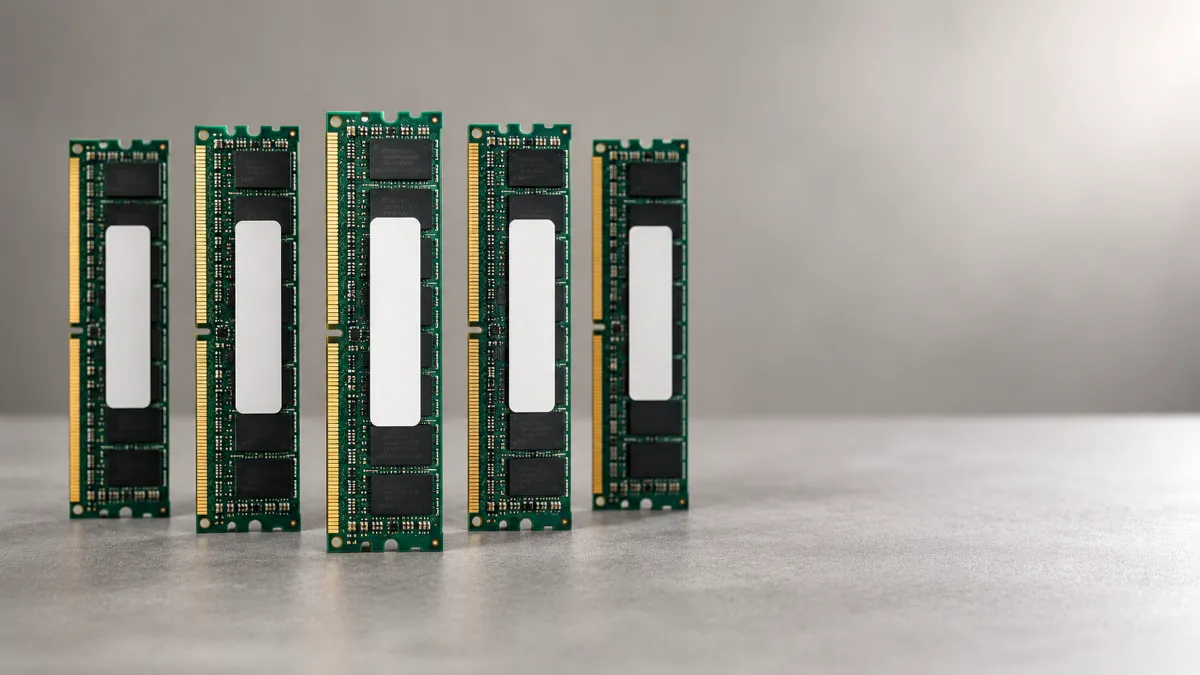
Ask ten admins what matters most when planning server memory, and you’ll hear ten answers. Capacity, speed, ECC, price, brand. All of them matter. But one question comes before the rest, and most people skip it.
So here it is, with the five follow-ups that turn the answer into a real purchase.
The One Question
What does my workload use at its busiest?
Not “how much RAM is typical?” Not “how much does the vendor recommend?” Your server doesn’t slow down on an average Tuesday afternoon. It slows down at month-end, during backups, or when a big report runs. Peak use is what decides whether users notice a problem.
Here’s how to find it.
- Watch a full business cycle. Include your busiest days, not just a quiet week.
- Look for pressure, not just totals. Heavy paging or swapping means the server is already short on memory.
- Use the tools you already have. On Windows, Performance Monitor counters like Available MBytes and Pages/sec help. In VMware, compare active memory to consumed memory, and watch for ballooning or swapping. Counter names vary by platform and version.
- Check each virtual machine. Many VMs get more memory than they ever use.
Once you have a peak number, everything else gets easier.
Why This Matters More Right Now
Memory is expensive. According to recent market reports, 32 GB DDR5 server memory modules have been selling for roughly $1,000 to $1,400 each, about double year-ago levels. Analysts don’t expect meaningful relief before 2027.
So guessing costs more than it used to. Overbuy, and you pay for memory that sits idle. Underbuy, and the server slows down when it matters most.
Follow-Up 1: What Can My Software Actually Use?
Your peak number tells you what you need. Your software tells you what it can use. Those aren’t always the same.
Some products cap memory by edition. Microsoft’s SQL Server 2022 editions page limits the Standard edition’s buffer pool to 128 GB per instance. If you put 512 GB behind a single Standard instance, most of it goes unused.
Remember that the operating system and hypervisor need memory too. Vendor minimums are a floor, not a target. And check your edition and version before you order.
Follow-Up 2: What Does My Server Platform Support?
Even the right amount of memory has to fit the machine. A few things to check:
- Type. DDR4 and DDR5 aren’t interchangeable. Your platform supports one or the other.
- Module kind. Servers expect ECC registered memory (RDIMM), which corrects common errors.
- Capacity limits. The HPE ProLiant ML350 Gen10 tops out at 3 TB across 24 slots, while the Gen12 reaches 8 TB across 32. Our ML350 guide compares them.
- Speed vs. layout. More modules per channel can slow memory down. HPE’s QuickSpecs for the ML350 Gen12 show DDR5 supported up to 6400 MT/s. But reaching 8 TB with 32 x 256 GB modules runs at 5200 MT/s, because two modules share each channel.
- Mixing. Mixing module speeds can force everything to run at the slowest one.
For how processors and memory channels fit together, see our server processor buyer’s guide.
Follow-Up 3: How Much Room Do I Need to Grow?
Take your measured peak and add a cushion. A common rule of thumb is 20 to 30 percent. It’s not a standard, just practical headroom. Then think 12 to 36 months ahead. Will you add users, VMs, or data?
Here are two examples:
- A small office server. Peak use is 24 GB. Add 25 percent, and you get 30 GB. Round up to a standard 32 GB configuration. There’s no need for 128 GB “just in case.”
- A virtualization host. Twelve VMs at 16 GB each total 192 GB. Add 25 percent for about 240 GB, plus some hypervisor overhead, and a 256 GB configuration is a sensible target.
Some admins overcommit memory on hosts, betting that VMs won’t all get busy at once. That can save RAM. But when several VMs spike together, they compete, and everything slows down. Only do it with solid monitoring.
Follow-Up 4: What Will It Cost, and What Are My Options?
At current prices, memory can make up a large share of a server’s cost. So don’t settle for the first quote.
- Price two or three configurations. A mix of module sizes might cost less now but leave fewer open slots later.
- Leave some slots open if your budget allows, so you can add memory without replacing modules.
- Don’t buy capacity you can’t use. Go back to your software caps and your platform limits.
Follow-Up 5: What Happens to the Old Memory?
When you upgrade, old modules come out. They often end up in a drawer or the recycling bin. With prices where they are, retired server memory often has real resale value.
A few things to know first:
- Standard server memory is volatile. It loses its contents when power is removed, so ordinary RAM modules don’t carry the same data risk as drives.
- Persistent memory is different. Some servers use non-volatile modules, such as Intel Optane persistent memory, that keep data without power. Those need proper sanitization.
- The drives in the same server still hold data. Sanitize them following current NIST SP 800-88 Revision 2 guidance, using certified data erasure.
- Track every module. Memory is small and valuable, so serial-number tracking and chain of custody matter.
Then get it evaluated. Our asset recovery and value return programs help you capture value, and you can sell used servers directly to us. Our partner site buys server memory, including DDR4, DDR5, ECC memory, and bulk lots. You can also browse its full memory hub.
Planning a bigger refresh? Our IT equipment refresh services, hardware removal, and enterprise ITAD teams handle the logistics. Anything without resale value goes through R2v3-certified recycling.
Frequently Asked Questions
How much RAM does a server need?
It depends on your workload. Measure your peak memory use over a full business cycle, add 20 to 30 percent headroom, and plan for 12 to 36 months of growth. That headroom range is a common rule of thumb, not a standard.
What is the most important question to ask about server memory?
Ask “What does my workload use at its busiest?” Servers slow down at peaks, such as month-end or backups, not on an average afternoon. Your peak number is the foundation for every other memory decision.
How do I check how much memory my server uses?
Use the monitoring tools you already have. On Windows, Performance Monitor counters like Available MBytes and Pages/sec help. On Linux, free -h and vmstat show memory and swap activity. In VMware, compare active memory to consumed memory. Counter names vary by platform and version.
Can I use DDR5 memory in a DDR4 server?
No. DDR4 and DDR5 aren’t interchangeable. Your server’s platform supports one or the other, so check before you order.
What is ECC RDIMM memory?
ECC memory detects and corrects common memory errors. RDIMM adds a register that helps servers support more modules reliably. Most servers expect ECC registered memory.
Should I fill every memory slot in my server?
Not always. Spread modules evenly across channels, but know that putting more modules on each channel can lower memory speed. For example, HPE’s QuickSpecs for the ML350 Gen12 show DDR5 supported up to 6400 MT/s, but reaching 8 TB with 32 x 256 GB modules runs at 5200 MT/s.
Can software limit how much memory my server can use?
Yes. Some products cap memory by edition. For example, Microsoft lists a 128 GB buffer pool limit per instance for SQL Server 2022 Standard. Check your edition and version before you buy more memory than the software can use.
Why is server memory so expensive right now?
According to recent market reports, 32 GB DDR5 server modules have been selling for roughly $1,000 to $1,400 each, about double year-ago levels, and analysts don’t expect meaningful relief before 2027. Reports point to heavy demand from AI infrastructure as a driver. That makes right-sizing matter more than it used to.
Does old server RAM need a data wipe?
Standard server memory is volatile and loses its contents without power, so ordinary modules don’t carry the same data risk as drives. Persistent memory, such as Intel Optane, keeps data and needs sanitizing. The drives in the same server always need to be sanitized following NIST SP 800-88 Revision 2.
Can I sell old server memory?
Often, yes. Retired server memory frequently has real resale value, especially at current prices. Get the modules evaluated before you recycle them.
If You Only Remember One Thing
Measure your peak before you buy anything. Everything else, from software caps to slot layout to price, builds on that number.
And when it’s time to retire the old modules, contact DES Technologies to recover value from the equipment you leave behind.