

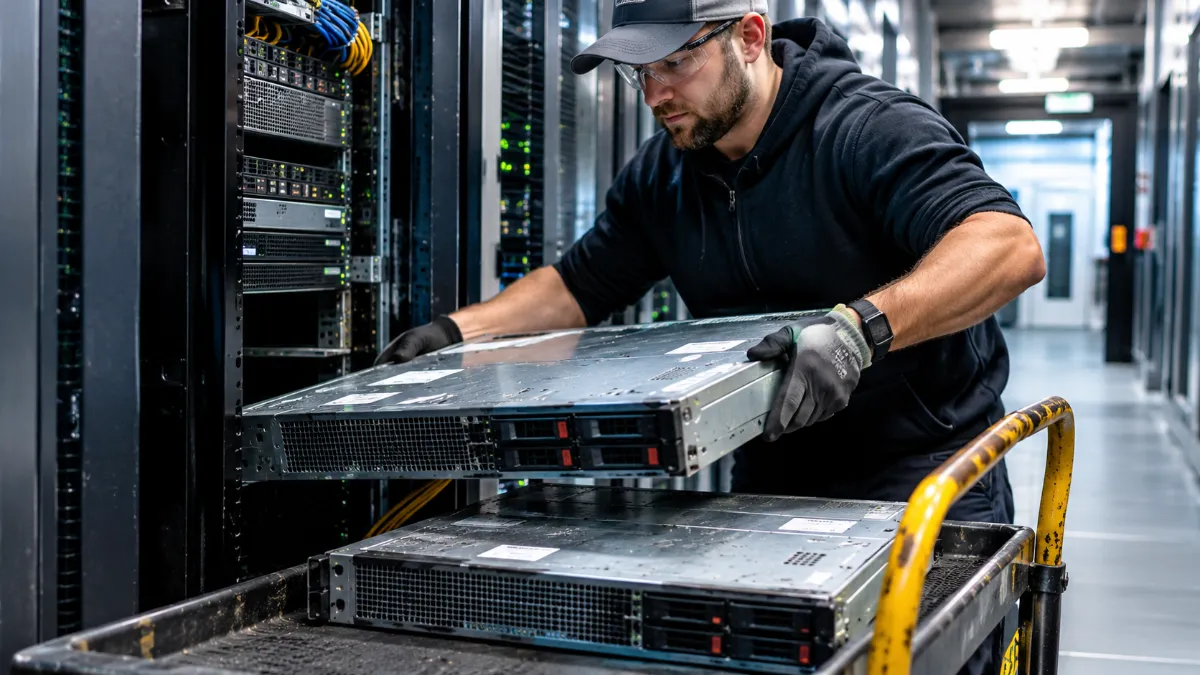
How Long Do Servers Last? Lifespan vs. When You Should Replace Them
How long do servers last? It’s one of those questions where everybody in the room gives a different answer. Your hardware vendor says three years. Your finance team says five. And the guy who’s been running the same file server since 2016 says “until it dies.” Funny thing is, they’re all kind of right.
The trick is that there are really two questions hiding in there. How long can a server physically keep running? And how long should you keep it running? Those have different answers.
Quick answer
Most enterprise servers can physically run for seven years or more if they’re kept cool and maintained. Many companies replace them somewhere between three and six years, because newer hardware does more work per watt, support contracts get pricier and the risk of failure climbs as parts age.
Physical lifespan vs. useful life
A well-built server in a clean, cool data center can keep running a lot longer than most people expect. The parts that usually give out first are the ones that move or get hot, like fans, power supplies and spinning drives. Capacitors on the motherboard can also age, especially in warm environments. Most of those parts can be replaced, which is why some servers seem to live forever.
Useful life is different. That’s how long the server is actually worth running compared to the alternatives. Even big cloud providers have been stretching this. Back in 2022, Microsoft extended the useful life of its cloud servers from four years to six, saying it had gotten more efficient at running them. If the people running some of the biggest data centers on earth can get six years out of a server, you might not need to refresh yours at year three.
How long other gear lasts
Business laptops usually get replaced every three to four years. They get carried around, dropped, run hot on laps and generally beat up, and batteries fade over time. Desktops tend to go a little longer since they sit in one place.
Network switches are often the long-haulers. With no moving parts besides fans and power supplies, plenty of them run seven years or more. The real limit for switches is usually the vendor’s support end date, not the hardware itself. Storage arrays sit somewhere in the middle. The chassis can last a long time, but the drives inside wear out and need replacing along the way.
Signs it’s time to replace a server
The server’s support is ending or already gone. Once the manufacturer stops releasing firmware and security patches, the risk goes up every month. Our post on EOL vs. EOSL explains how to read those dates.
Repairs keep stacking up. One failed fan is normal. A failed fan, then a power supply, then a memory error in the same quarter is the server telling you something.
It can’t keep up anymore. If an application owner is constantly asking for more memory, more cores or faster storage, and the old platform can’t take it, you’re paying for that in lost time.
Power and licensing costs are out of whack. Older servers often do less work per watt. And if your software is licensed per core, consolidating several old servers onto fewer new ones can shrink the license bill. The Uptime Institute put it well in a piece on server refresh cycles. They found the energy case is still strong for replacing servers up to about nine years old, but much weaker for servers only a few years old.
How to get more years out of what you have
Maintenance makes a bigger difference than most people think. Keep the data center cool and dust-free, keep firmware current while it’s still supported, replace fans and drives before they fail and watch the hardware logs for early warnings. Our post on how regular hardware maintenance can add years to your equipment’s lifespan goes into the details.
Not so fun fact: heat is the silent killer. A server room that runs a few degrees too warm all year shortens the life of nearly every component in the building.
Plan the refresh before you need it
It’s a no brainer to keep a simple list of every server with its purchase date, its warranty end date and its vendor support end date. That turns refresh planning from a fire drill into a calendar item. Retire the oldest and riskiest gear first, and time replacements so you can sell the old equipment while it still has resale value.
DES runs IT equipment refresh services that handle the old hardware on the way out, including certified data erasure, serialized tracking and value return that can help offset the cost of the new gear. Our IT equipment refresh services guide and our approach to IT asset lifecycle management cover the full process.
Got a few servers you just want to sell? Our buyback brand will buy your used servers. Planning something bigger? Contact DES and we’ll help you map it out.
Frequently Asked Questions
How long do servers last?
Most enterprise servers can physically run seven years or more with good cooling and maintenance. Many companies replace them every three to six years because of support costs, efficiency and rising failure risk.
How long do business laptops last?
Business laptops are usually replaced every three to four years, since they take more wear from travel, heat and battery aging than desktops or servers.
What parts fail first in a server?
Fans, power supplies and spinning hard drives usually fail first because they move or run hot. Most of these parts can be replaced to extend the server’s life.
When should I replace a server?
Consider replacing a server when vendor support is ending, repairs are piling up, it can’t meet performance needs, or power and licensing costs outweigh the cost of newer hardware.