

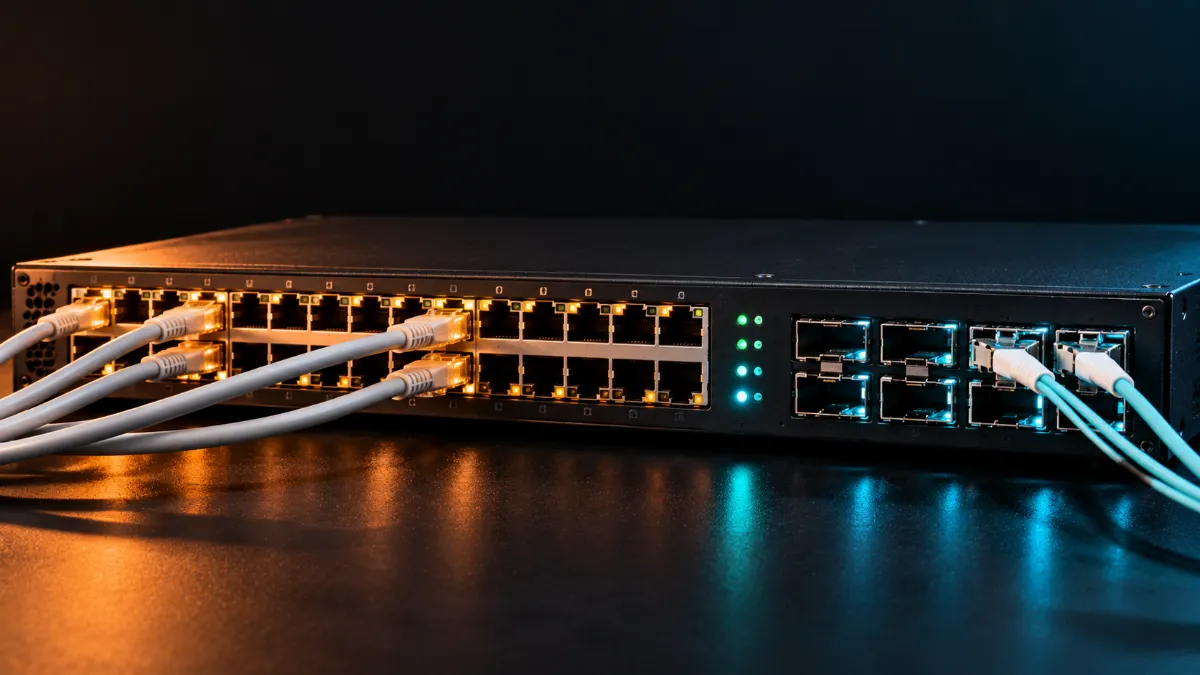
If you need a 1RU switch that gives you copper ports faster than gigabit, PoE on every one of them, and fat 100G uplinks, the Cisco Nexus 93108TC-FX3P is the one to look at. It has 48 multigig ports (100M up to 10G), all PoE-capable, plus six 40/100G uplinks, and it runs NX-OS or ACI. Cisco also points to it as the replacement when the older 93108TC models go end of sale.
Replacing an older switch? We buy used networking equipment, and our ITAD services cover the secure disposal side.
What this switch actually is
The 93108TC-FX3P sits in Cisco’s Nexus 9300-FX3 family, built on their Cloud Scale silicon. Think of it as an edge switch for a data center fabric: servers and other devices plug into the 48 front ports, and the six uplinks run back to your spine. Its cousin without the “P,” the 93108TC-FX3, looks similar but tops out at 10G on those ports, with no 2.5G or 5G speeds and no PoE.
The specs
| 93108TC-FX3P | |
|---|---|
| Form factor | 1RU fixed |
| Downlinks | 48 x 100M/1/2.5/5/10G BASE-T |
| Uplinks | 6 x 40/100G QSFP28 |
| Capacity | 2.16 Tbps, 1.2 billion packets per second |
| Buffer | 40 MB shared |
| PoE | All 48 ports (PoE, PoE+, PoE++) |
| Management ports | One RJ-45, one SFP |
| Modes | NX-OS or ACI |
| Encryption | MACsec on all ports |
Multigigabit: the part the old post got backwards
The earlier version of this post said multigigabit uses optics so you don’t have to replace cables. That’s wrong. Multigig is a copper technology, and the whole point is that it makes the cable already in your walls run faster.
IEEE 802.3bz is the standard behind the 2.5G and 5G speeds. In practice, 2.5G reaches 100 meters on Cat5e, and 5G reaches 100 meters on Cat6. Ten gig is fussier. According to Ampcom’s multigig guide, you need Cat6A to hit 100 meters at 10G, and Cat6 only makes it about 55.
So test your cable runs before you count on 10G. If they’re old and long, you might be surprised.
One more thing. If your goal is powering Wi-Fi access points, a campus switch is often the more natural fit. This Nexus makes more sense when a data center, or the closet next to it, needs multigig PoE and 100G uplinks in the same box.
Features worth knowing about
NX-OS or ACI. In NX-OS mode it acts like a traditional programmable switch and supports VXLAN EVPN fabrics and the usual routing protocols. In ACI mode it joins Cisco’s policy-driven fabric and gets managed centrally.
Automation. Zero-touch provisioning and APIs, plus support for tools like Ansible, Puppet, and Chef. If you’re managing dozens of switches, that matters a lot. If you’re managing two, you might never touch it.
MACsec. It encrypts traffic between devices at the link level, so someone tapping a cable sees scrambled data.
Buffer handling. When a link gets congested, the switch can tell a long, heavy transfer from a burst of small requests and treat them differently, so a big file copy doesn’t starve everything else. Cisco calls it intelligent buffer management.
Lossless options. It supports the standards behind RDMA over Ethernet, such as priority flow control and ECN, for workloads that can’t afford dropped packets.
High availability. Virtual port channels, equal-cost multipath routing, hot-swappable power supplies and fans, and software patching without a full outage.
Management software. The old post mentioned Cisco DCNM, which has since become Nexus Dashboard Fabric Controller, starting with release 12.0. According to Cisco’s Nexus Dashboard FAQ, Nexus Data Broker is now Nexus Dashboard Data Broker, and Nexus Insights is now Nexus Dashboard Insights. Search for the old names and you’ll land on stale documentation.
Where it fits, and where it doesn’t
It’s a good match when you’ve got copper devices that need more than 1G, you need PoE too, and you want 100G going back to the spine. Top-of-rack for 10GBASE-T servers is the classic case. So is an edge closet full of PoE gear, or replacing an older 10GBASE-T leaf switch.
It’s the wrong pick if your servers connect over fiber. For 1/10/25G SFP28 access ports, Cisco’s 93180YC-FX3 is built for that. And if you don’t need PoE or 2.5G and 5G speeds, the plain 93108TC-FX3 might do the job for less.
Support status
Cisco’s own bulletins send customers to it. The end-of-life notice for the 93108TC-EX names the 93108TC-FX3P as the replacement, with the EX reaching end of sale in August 2022. The notice for the 93108TC-FX sets end of sale at July 31, 2024, and last date of support at July 31, 2029.
Software needs attention too. Cisco’s 93108TC-FX support page lists the end-of-sale and end-of-life announcement for NX-OS 9.3(x) from January 2024. It also lists a field notice, FN74371, updated in September 2026, about the risk of configuration corruption when you upgrade or downgrade with certain releases on Nexus 9000 and 3000 switches. Our guide to replacing networking gear shows how to keep track of support dates.
If you’re buying one used
A used 93108TC-FX3P can save real money. Just check these first:
- The exact part number. FX3P and FX3 look nearly the same, but they differ on PoE and port speeds.
- The serial number, verified with Cisco, plus the model’s support status. Counterfeit networking gear is a real problem. The U.S. Department of Justice prosecuted one of the largest cases in 2024.
- The software version, and whether any field notices apply.
- Power supplies and airflow direction, so they match your racks.
- Proof the old owner’s data was wiped. Reset it yourself anyway.
Our WeBuy partner site has a guide to procurement security for refurbished IT and sells refurbished equipment.
What to do with the switch you’re replacing
Upgrading usually leaves an old switch behind, and that old switch knows things. Switches store configurations, credentials, certificates, and keys on onboard storage, so a retired unit can carry your network’s secrets out the door. A factory reset doesn’t always meet your security requirements.
Start by revoking its credentials and certificates and removing it from your management and monitoring tools. Then sanitize or destroy its storage following NIST SP 800-88 Revision 2, using certified data erasure or physical data destruction. Keep chain of custody records and a certificate with serial numbers.
Then find out what it’s worth. Older Nexus switches often still have resale value, and our asset recovery and value return programs help you collect it. Whatever has no value goes to R2v3-certified recycling. Planning something bigger? Take a look at our IT equipment refresh services, or at the Cisco UCS B200 M5 guide if you’ve got blade servers in the same racks.
Quick answers
What’s the difference between the FX3 and FX3P? The FX3P adds 2.5G and 5G speeds and PoE on all 48 ports. The FX3 doesn’t have either.
Do I need new cabling for multigig? Often no. 2.5G runs on Cat5e and 5G on Cat6, both to 100 meters. For 10G over the full 100 meters you need Cat6A.
Is it end of life? Not that I can find, and Cisco names it as the replacement for older 93108TC models. Check Cisco’s lifecycle page for your part number before you buy.
What replaced DCNM? Cisco Nexus Dashboard Fabric Controller, starting with release 12.0.
How do I retire an old Nexus switch safely? Revoke its credentials, take it out of monitoring, and sanitize or destroy its storage to NIST SP 800-88 Revision 2. Keep the certificate.
Upgrading or retiring switches?
Contact DES Technologies and we’ll help you retire old gear securely and recover some value. For bigger projects, see our data center decommissioning services. Our WeBuy partner also buys used networking equipment.