

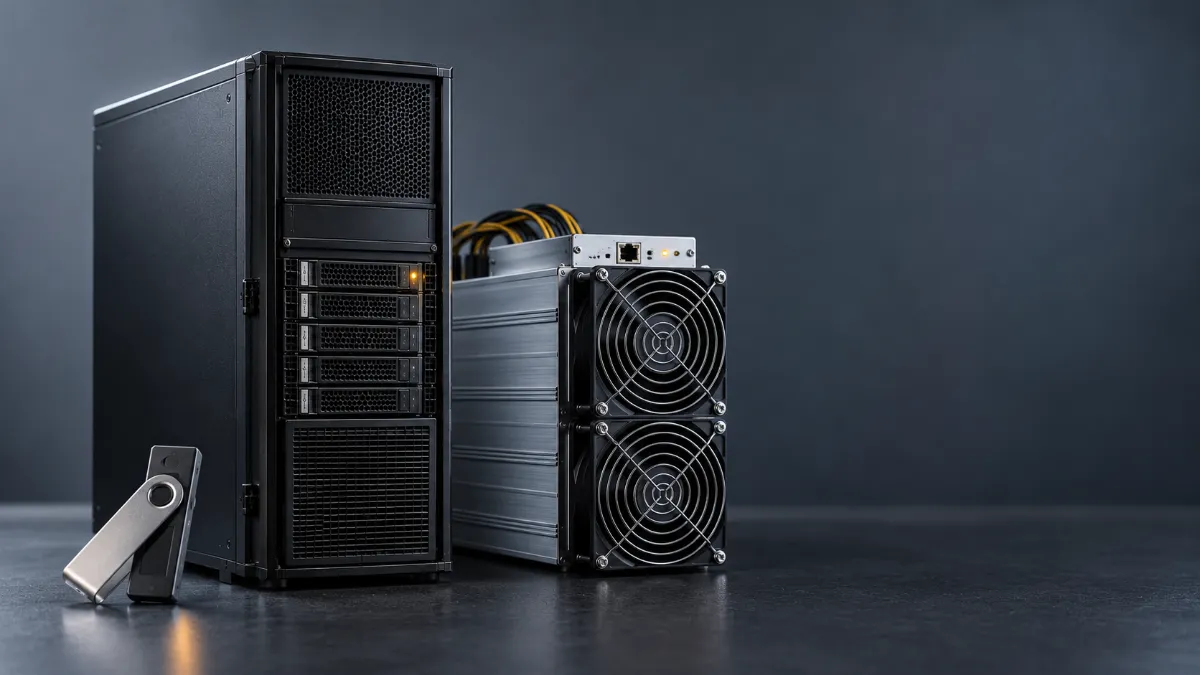
Picture someone scoring a great deal on a used tower server. They order it, then type “crypto server” into a search bar. An hour later, they’re reading about validators, cold wallets, and ASIC miners, and none of it seems to agree.
That’s not their fault. “Crypto server” isn’t one thing. It’s at least three, and each one wants different hardware, a different budget, and a different kind of caution. So before you buy a single part, it helps to know which one you’re actually building.
A quick note: this is general information, not financial, tax, or legal advice. Rules vary by location, so check with a qualified professional.
Start With the Job, Not the Hardware
Most people who say they want a crypto server fall into one of three camps.
The first camp wants safekeeping. They hold some crypto and want it out of reach. The second wants to take part. They’d like to run a node, verify transactions themselves, and maybe validate. The third wants to earn. They’re eyeing mining.
There’s a fourth group too: people who run trading bots. Their hardware needs are tiny. Their security needs are not, because a bot holds API keys that can move real money.
Each camp can build a good machine. But the machines look nothing alike, and the biggest mistakes happen when someone builds for one goal and expects another.
If You Just Want Your Coins Safe
Here’s the surprise for the first camp: you probably don’t need a server.
A server on your network is, by definition, connected. Cold storage means the opposite. The keys never touch an internet-connected machine. For most people, a dedicated hardware wallet does that job more simply than any DIY box, with a recovery phrase written down and kept offline.
Everything depends on those keys. Plenty of crypto gets lost to mishandled keys, not just dramatic hacks. So keep the recovery phrase off networked computers, out of cloud notes, and out of photos. Store a backup somewhere separate and secure. Test with a small transfer before you move anything serious. And if you’re protecting a lot, look into multi-signature setups, which remove the single point of failure.
A server can add privacy and control. It can’t make careless key handling safe.
If You Want to Run a Node
Running a node is the most approachable “real” server project. A node downloads the blockchain and checks it independently. You don’t need any coins to run one, and you don’t hand your keys to anyone.
What you do need is storage, and fast storage at that.
Bitcoin is gentle on hardware. Bitcoin Core runs happily on four CPU cores and 4 to 8 GB of RAM. The blockchain itself is the heavy part. It’s around 760 GB as of September 2026 and grows by roughly 5 to 7 GB a month, so a 1 TB NVMe drive should last a couple of years. A pruned node trims that down a lot.
Ethereum asks for more. Ethereum.org’s minimum is 2 or more cores, 16 GB of RAM, a 2 TB NVMe SSD, and a 25 Mbps connection. Its recommended build is closer to 4 or more cores (8 or more if you’re validating), 32 GB of RAM (64 GB for validators), a 4 TB NVMe drive, and about 50 Mbps down and 15 Mbps up. It also steers people away from DRAM-less and QLC drives. A spinning hard drive won’t cope, because the state database needs fast random reads and writes. Running a validator is a separate step that requires a 32 ETH deposit.
For the machine itself, a tower server suits a closet or small office, since it doesn’t need a rack. Our write-up on the HPE ProLiant ML350 covers one popular option, and our server processor buyer’s guide helps with CPU choices. For nodes, clock speed often matters more than core count.
If You’re Thinking About Mining
This is where the old advice has aged worst. The original version of this post said you need a high-performance CPU and graphics card. That stopped being true for Bitcoin long ago.
Bitcoin mining today is ASIC territory. These are machines built for one task, and GPUs and CPUs can’t keep up. GPU mining did survive in a narrower form. After Ethereum moved to proof of stake in 2022, GPU owners shifted to smaller coins like Kaspa, Ravencoin, and Ethereum Classic. Daily profits there are usually small before you pay the power bill.
Speaking of power: it’s the whole game. Industry guides tend to put the profitability line for Bitcoin mining around $0.08 per kWh. U.S. residential rates often run $0.13 to $0.17 or more. Margins also tightened after the April 2024 halving cut the block reward to 3.125 BTC.
Here’s what that looks like in numbers. A 3 kW ASIC running nonstop uses about 72 kWh a day, roughly 2,160 kWh a month. At $0.15 per kWh, that’s about $324 in electricity every month, before you count the hardware, the heat, or the noise. For many home setups, that math doesn’t work. Hosted mining, or simply buying the coin, can be a simpler route.
If you do mine, a pool can help. Our guide to joining a crypto mining pool explains how. Pools smooth out your payouts so you earn steadily instead of waiting for rare, large rewards. They don’t create extra profit.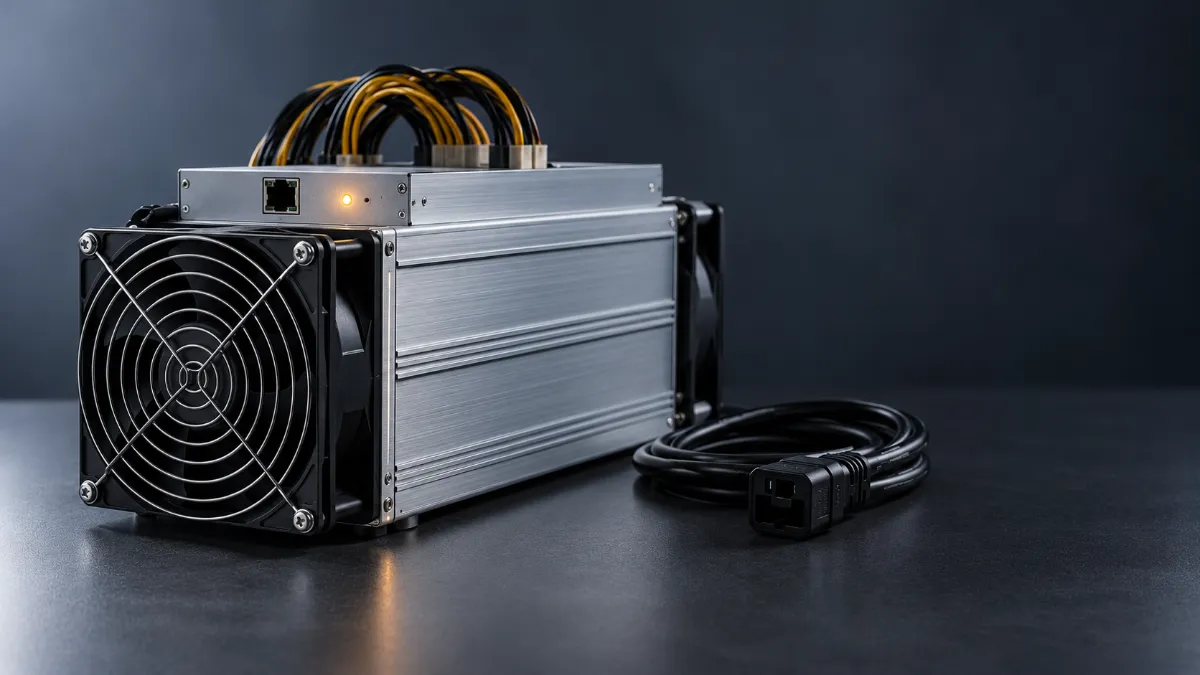
The Unglamorous Stuff That Keeps It Running
Few people get excited about this part, but it decides whether a server survives a year.
Power comes first. A UPS lets the machine ride out a blip or shut down cleanly instead of corrupting its database mid-sync. Heat and noise come next. Servers move a lot of air, and mining gear moves much more, so give the machine its own space with real ventilation.
Then there’s security, which deserves actual attention. Use SSH keys instead of passwords. Open only the ports you need, and never expose management interfaces to the internet. Turn on automatic security updates. Keep the server on its own network segment if you can. And lock the room, because a machine that holds keys is a theft target.
One more tip: back up your configuration files, but never your keys, to the cloud.
What It Costs Month to Month
The hardware is a one-time expense. Electricity and bandwidth keep coming.
A full-node build draws roughly 80 to 120 W around the clock. At 100 W, that’s about 72 kWh a month, or around $11 at $0.15 per kWh. That’s pocket change next to mining. Add a decent internet connection, and plan to replace drives. Node SSDs take constant writes, so they wear faster than drives in a normal office PC.
When the Project Ends
Crypto hardware ages in dog years. Mining machines get outpaced by more efficient models, and node drives wear out. Sooner or later, you’ll retire the gear, and that’s the moment people get careless.
Start with the money. Move your funds to a fresh wallet first. Then treat the old keys as compromised, because you can never be fully sure what lingered on a drive.
Next, think about what the hardware remembers. Old crypto machines can hold wallet files, recovery phrases saved digitally, node databases, API keys, SSH keys, and saved passwords. Mining controller boards may store pool credentials and payout addresses. All of that should be wiped before the gear leaves your hands.
Follow current NIST SP 800-88 Revision 2 guidance, using certified data erasure or physical data destruction. A drive that ever held keys deserves extra caution. Our guides on erasing data before you recycle and why sanitization matters walk through the details.
Then check what the hardware is worth. Servers, GPUs, drives, and memory often have real resale value. Our asset recovery and value return programs help you capture it, and you can sell used servers directly to us. Our partner site buys used servers as well. Whatever has no resale value goes through R2v3-certified recycling.
Running a bigger operation? Our enterprise ITAD team handles bulk removal with documented chain of custody. And if you’re curious how newer storage models fit in, we’ve written about blockchain and cloud storage too.
Frequently Asked Questions
Do I need a server to store crypto safely? Usually not. A hardware wallet with an offline recovery phrase covers most people’s needs. A server on your network isn’t cold storage.
How much storage does a Bitcoin node need? About 760 GB today, growing roughly 5 to 7 GB a month. A 1 TB NVMe drive works for a couple of years, and pruning cuts the footprint further.
What does an Ethereum node need? Ethereum.org’s minimum is 2 or more cores, 16 GB of RAM, a 2 TB NVMe SSD, and 25 Mbps. A validator also needs 32 ETH.
Is home mining profitable? For Bitcoin, usually not. It takes ASIC hardware and power below roughly $0.08 per kWh, and typical U.S. residential rates are higher.
What should I do with old crypto hardware? Move your funds, treat the old keys as compromised, and wipe or destroy every drive following NIST SP 800-88 Revision 2. Then check for resale value before you recycle.
One Last Thing
The best crypto server is the one that fits your goal. Pick the job first, protect your keys before you buy hardware, and do the electricity math before you plug anything in.
And when the project winds down, contact DES Technologies to protect your data and recover value from the gear you leave behind.