

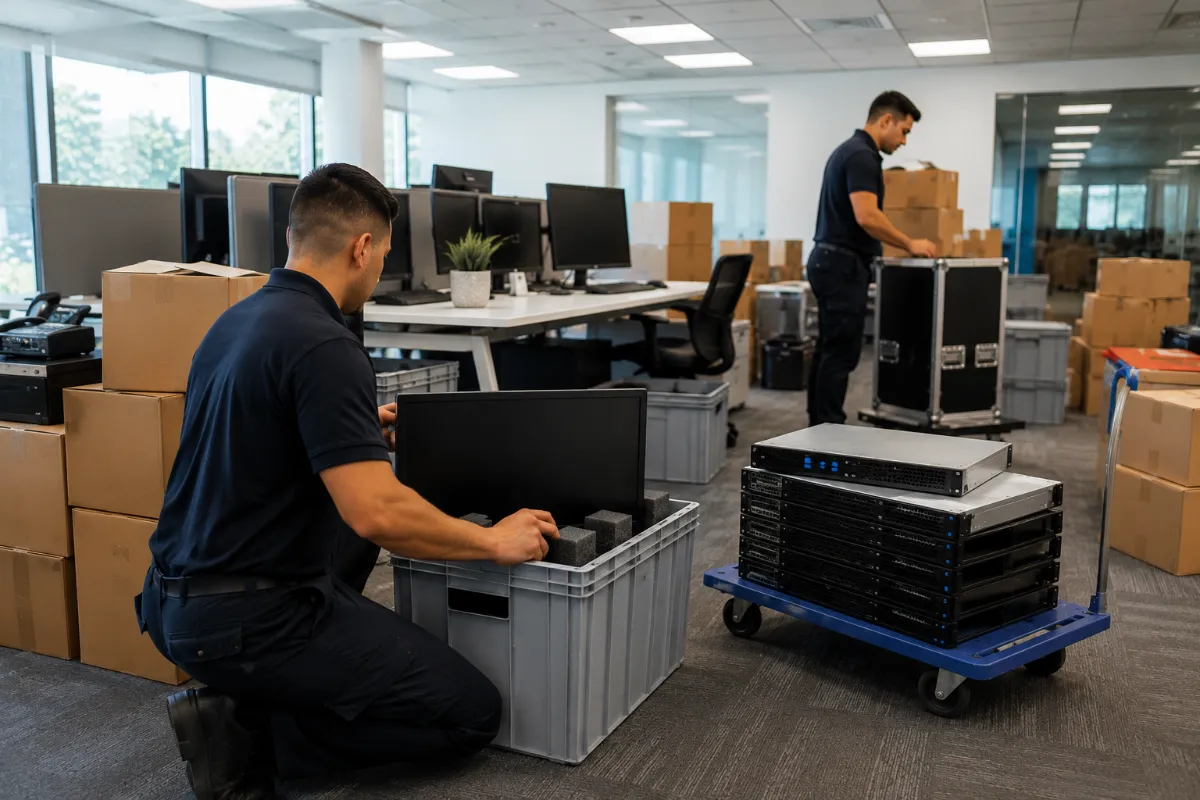
Moving IT equipment is not like moving office furniture. A data center move, server relocation, or office technology relocation can affect uptime, security, compliance, and asset records.
The best way to manage an IT move is to treat it as a controlled project. That means you need a plan for disconnect, inventory, transportation, rack installation, secure logistics, and closeout reporting.
If your organization needs help planning a move, DES Technologies provides IT Relocation & Move Services for data centers, offices, schools, healthcare groups, government agencies, and enterprise IT teams.
What Are IT Relocation Services?
IT relocation services help organizations move technology from one site to another. This may include a data center, server room, office, network closet, warehouse, or colocation facility.
A complete IT relocation plan may include:
- Disconnecting equipment
- Labeling cables
- Scanning assets
- Creating an inventory
- Packing equipment
- Managing secure transportation
- Installing equipment in racks
- Tracking chain of custody
- Reporting what moved, what stayed, and what retired
The goal is simple: move the equipment without losing control of the assets, data, or documentation.
Why IT Moves Need More Than Transportation
A normal moving company can move boxes. But IT equipment needs more care.
Servers, storage systems, firewalls, switches, backup systems, and endpoint devices often hold sensitive data or support critical operations. If assets are misplaced, damaged, or handled without records, the move can create serious risk.
That is why many teams use a partner that understands ITAD services, secure logistics, asset tracking, and data center workflows.
A strong IT move plan helps your team:
- Reduce downtime
- Avoid missing assets
- Protect sensitive data
- Improve audit records
- Support compliance teams
- Separate usable equipment from retired equipment
- Keep the project on schedule
Step 1: Build the Move Plan
Start with a clear scope. Before anything gets unplugged, decide what is moving, where it is going, and who owns each step.
Your plan should include:
- Source location
- Destination location
- Equipment list
- Rack layout
- Network dependencies
- Move timeline
- Staff responsibilities
- Security needs
- Retired asset handling
For a data center move, this planning step matters even more. Some systems may need to move in phases. Others may need to be decommissioned, refreshed, or retired through end-of-life IT asset management.
Step 2: Disconnect and Label Equipment
Disconnect should be controlled and documented. Cables, ports, rack positions, power connections, and asset tags should be labeled before equipment leaves the old location.
This helps reduce confusion during rack installation at the new site.
A good disconnect process may include:
- Cable labeling
- Photo documentation
- Rack notes
- Serial number capture
- Port mapping
- Power-down sequence
- Asset staging by destination
This step is especially important for server relocation, storage moves, and network closet moves.
Step 3: Inventory Every Asset
Inventory is one of the most important parts of an IT relocation project.
Your team should know exactly what moved, what did not move, and what needs follow-up. DES can support this through IT asset inventory and auditing.
Inventory may include:
- Barcode scanning
- Serial number capture
- Make and model
- Asset tag
- Location
- Condition
- Destination
- Exception notes
This creates a cleaner record for IT, finance, compliance, and procurement teams.
Step 4: Use Secure Transportation
Secure logistics protects equipment during the move. It also helps prove that assets stayed under control.
Transportation should include proper packing, handling, and chain of custody. For high-value or sensitive equipment, your team may also need staged pickup, controlled loading, sealed transport, and delivery confirmation.
DES supports secure movement through secure shipping and logistics for ITAD, relocation, and data center projects.
Step 5: Manage Rack Installation
Rack installation is where planning turns into uptime.
At the new site, equipment should be placed based on the agreed layout. Teams should confirm rack position, airflow, cable organization, power access, and handoff requirements.
Rack installation may include:
- Rack placement support
- Equipment mounting
- Cable organization
- Destination verification
- Asset handoff
- Exception reporting
For larger projects, rack installation may be part of broader data center services.
Step 6: Decide What Should Not Move
Not every asset should go to the new site.
A move is a good time to identify equipment that is outdated, damaged, out of warranty, or no longer needed. This is common during office relocations, mergers, cloud projects, and data center consolidation.
Retired assets may need:
- Secure data destruction
- Asset recovery
- Certified recycling
- Chain of custody
- Certificates of destruction
- Final disposition reporting
If equipment contains data, it should follow a documented process. The NIST SP 800-88 Rev. 2 media sanitization guidance is a high-authority reference for data sanitization methods such as clear, purge, and destroy.
DES can also support Phoenix Certified data erasure when data-bearing assets are retired instead of moved.
Data Center Consolidation and IT Relocation
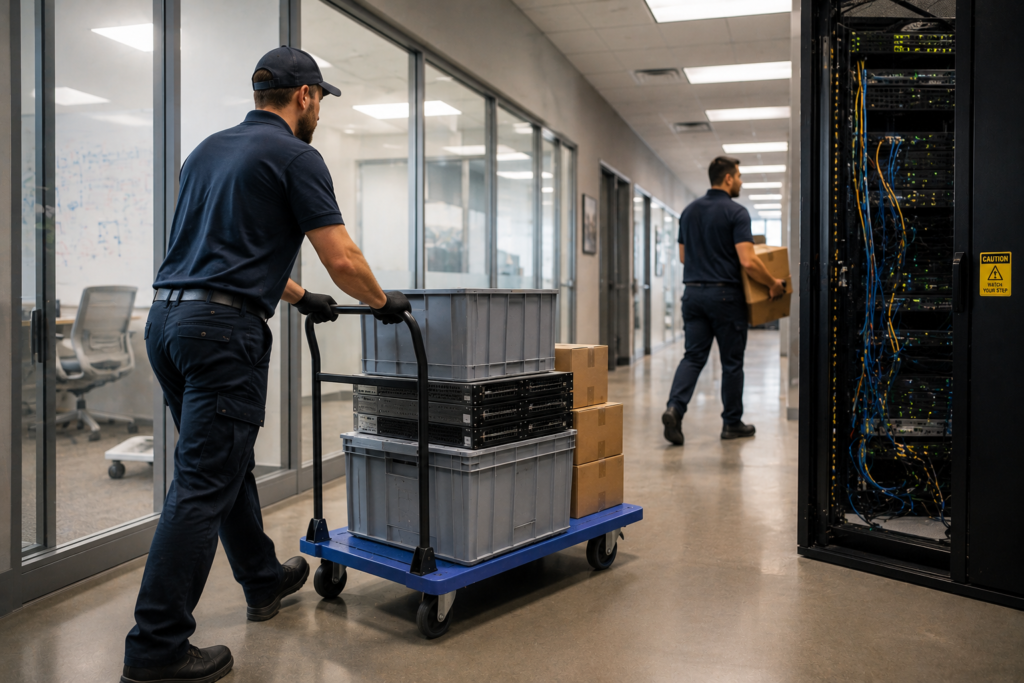
Data center consolidation often includes more than a move. Some equipment may be relocated. Some may be retired. Some may move into colocation, cloud, reuse, resale, or recycling.
This is where planning, inventory, and secure logistics work together.
A consolidation project may include:
- Server relocation
- Storage relocation
- Network equipment relocation
- Rack removal
- Asset recovery
- Data destruction
- Certified recycling
- Closeout reporting
DES helps teams connect relocation work with data center decommissioning and IT lifecycle planning.
Office Technology Relocation
Office technology relocation can include laptops, desktops, monitors, docks, printers, conference room equipment, network closets, and user devices.
This type of move often looks simple at first. But it can become messy fast if equipment is not labeled, scanned, and staged by department or user group.
For schools, healthcare offices, government teams, and SMBs, a clean move record can help reduce loss and speed up setup at the new site.
DES can also support moves that happen during IT equipment refresh services, where old devices are removed and new equipment is deployed.
What to Ask Before Hiring an IT Relocation Provider
Before choosing a provider, ask direct questions:
- Can you disconnect and inventory assets?
- Can you support server relocation and rack installation?
- How do you protect equipment during transportation?
- Do you provide chain of custody?
- Can you handle retired data-bearing equipment?
- Do you support secure data destruction?
- Can you provide asset-level reporting?
- Can you support data center consolidation?
The right provider should understand both the physical move and the risk around the equipment.
Why Choose DES Technologies
DES Technologies helps organizations move technology with less risk and better documentation.
DES supports data center moves, server relocation, office technology relocation, asset inventory, secure logistics, rack installation, and retired asset handling.
When equipment should not move, DES can connect the project to secure data destruction, certified recycling, and ITAD reporting.
Plan Your IT Move With DES
If your organization is planning a data center move, server relocation, office technology relocation, or consolidation project, DES Technologies can help.
Start with the IT Relocation & Move Services page to learn how DES manages disconnect, inventory, transportation, rack installation, secure logistics, and closeout reporting.
FAQ
What is included in IT relocation services?
IT relocation services may include planning, disconnect, cable labeling, inventory, packing, transportation, rack installation, chain of custody, and reporting.
How do you prepare for a data center move?
Start by creating an inventory, mapping dependencies, labeling cables, planning rack layouts, setting a move timeline, and deciding which assets should move or retire.
Why is inventory important during server relocation?
Inventory helps prove which servers moved, where they went, and what condition they were in. It also reduces missing asset risk.
What happens to IT equipment that should not be moved?
Equipment that should not be moved can be retired through ITAD, secure data destruction, asset recovery, certified recycling, or end-of-life asset management.
Can DES help with office technology relocation?
Yes. DES can support office technology relocation for laptops, desktops, monitors, docks, printers, network closets, conference room equipment, and mixed IT assets.