


When servers go quiet and laptops stop booting, where does the equipment go? In a lot of companies, it goes to a closet. Then another closet. Before long, you have an IT graveyard: shelves of dead hardware nobody wants to touch.
That’s a little spooky. It’s also risky, expensive, and avoidable. In the spirit of Halloween, let’s walk through the graveyard and see what’s really in there.
What Does “End of Life” Actually Mean?
People use the term loosely, so let’s pin it down. End of life usually means a vendor has stopped selling a product. End of support, sometimes called end of service life, means the vendor has stopped issuing patches and repairs. Exact terms vary by vendor.
Here’s a fresh example. Microsoft’s final paid security updates for Windows Server 2012 R2 ended on October 13, 2026. Any server still running it now gets no more patches. That deadline will push a lot of hardware toward retirement, even if the machines still power on.
So end of life isn’t the moment hardware dies. It’s the moment keeping it gets risky.
The Ghost of Data Left Behind
A dead device isn’t an empty one. Data lingers on hard drives, SSDs, firmware, and management controllers. Printers, copiers, and medical devices can store it too. Deleting files or reformatting a drive doesn’t change that.
The stakes are high. IBM’s 2025 Cost of a Data Breach Report puts the global average at $4.44 million. In the United States, it reaches $10.22 million.
Compliance adds pressure. Regulations like HIPAA and GDPR require secure disposal of data-bearing devices. NIST SP 800-88 isn’t a regulation, but it’s the guidance most organizations follow to prove they did it right. NIST published Revision 2 in September 2025 and withdrew Revision 1. If your policy still cites the old version, update it. Our NIST 800-88 guide explains what changed.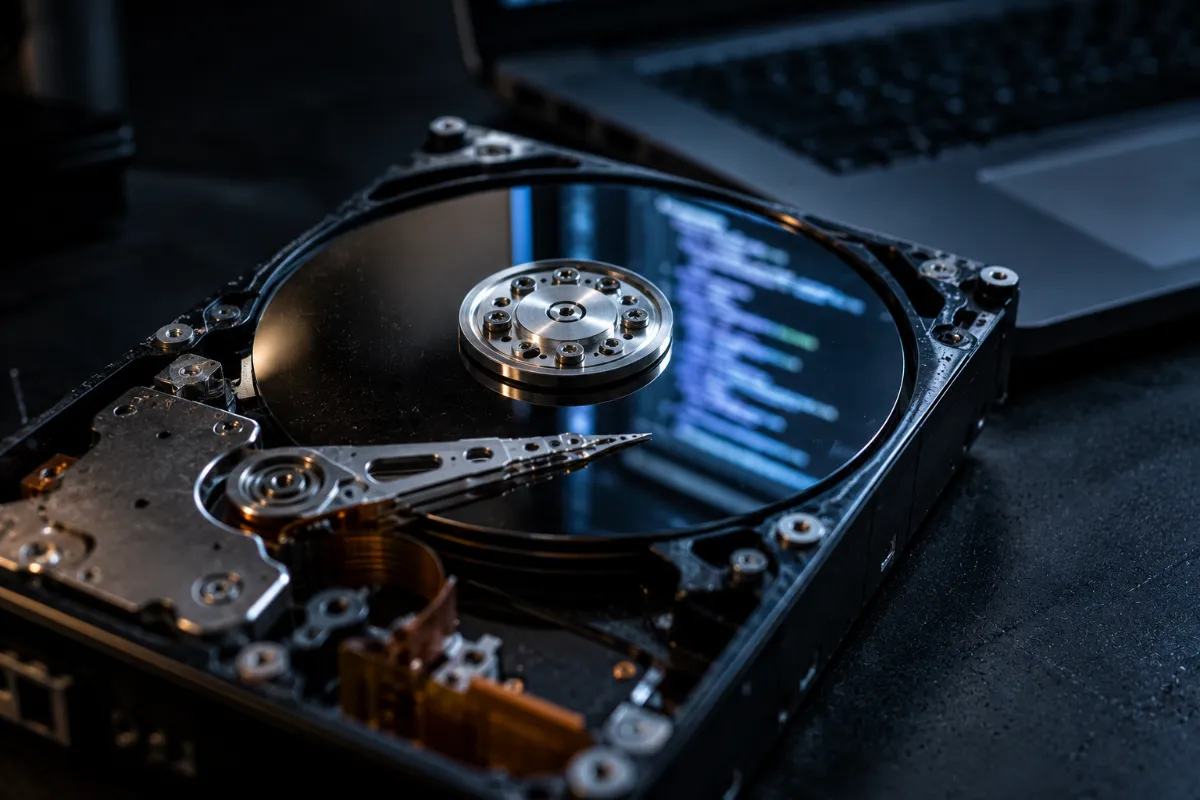
A Real Haunting: Morgan Stanley
This isn’t just theory. Morgan Stanley hired a moving company with no data destruction experience to decommission thousands of hard drives and servers. Some of the devices later ended up at auction while still holding customer data. In one case, the bank only found out when a buyer discovered the data and called.
The bills came in four rounds:
- A $60 million fine from the OCC in 2020
- A $60 million class-action settlement in 2022
- A $35 million SEC penalty in 2022
- A $6.5 million settlement with six state attorneys general in 2023
That’s more than $160 million, all tied to old hardware and the wrong vendor. If you’re weighing providers, our ITAD vendor checklist shows what to verify before you sign.
Zombies of the IT World: Outdated Hardware
Old servers, networking gear, and medical equipment don’t vanish. They linger, and they cause real problems.
- Storage cost creep. Dead hardware still takes up space, and sometimes power and cooling too.
- Security gaps. Forgotten devices often run unpatched software. Attackers love them.
- Environmental harm. The world generated 62 million tonnes of e-waste in 2022, according to the UN’s 2024 Global E-waste Monitor. Only 22.3% was documented as properly collected and recycled.
- Lost value. Idle hardware keeps depreciating. Meanwhile, industry benchmarks show resale values for servers, memory, and drives climbing this year. Waiting costs you.
Is Your IT Graveyard Already Haunted?
Check for these warning signs:
- Closets or cages full of devices nobody has inventoried
- Servers still running software that’s out of support
- Laptops from former employees that never came back
- Drives with no record of whether anyone wiped them
- Equipment that left the building with no paperwork
- Old backup tapes and media sitting in storage
Even one checked box means your graveyard needs attention. For a deeper walkthrough, read our guide to end-of-life IT asset management.
How to Exorcise the Problem
Clearing a graveyard works best as a process, not a one-time scramble. Here are five steps.
- Inventory everything. Log every device by serial number. You can’t protect what you haven’t counted.
- Identify the data. Figure out what each device could hold, from customer records to health information.
- Check for value first. Before you recycle or destroy anything, find out what it’s worth through asset recovery and value return. You can also sell used servers directly.
- Sanitize or destroy the data. Match the method to the media and your requirements. Options include certified data erasure, degaussing for magnetic media, and physical data destruction.
- Keep proof. Hold on to a Certificate of Destruction and full chain of custody records for every device.
Whatever has no resale value should go to responsible recycling. DES is R2v3 certified, so nothing ends up in a landfill by default. Retiring medical equipment? Our healthcare ITAD team handles those devices, and larger projects fit into data center decommissioning.
The Phoenix Effect: Turning End of Life Into a New Beginning
End of life doesn’t have to be a dead end. Like a phoenix, old hardware can rise into something useful when you retire it the right way.
- Money back from equipment that still has resale value
- A smaller carbon footprint, because fewer devices reach a landfill
- Stronger compliance and a defensible paper trail
- A clear closet, which is a real benefit by itself
Our Phoenix Certified process puts this into practice, from secure pickup to final documentation.
Frequently Asked Questions
What does IT hardware end of life mean?
It usually means a vendor has stopped selling a product or no longer supports it with patches and repairs. The exact definitions vary by vendor. Either way, running unsupported hardware or software raises security risk.
Is it safe to keep old hardware in storage?
Not for long. Stored devices can still hold sensitive data, and they cost you space and lose resale value over time. Forgotten hardware also tends to go missing, which creates a compliance problem.
Do I need to wipe devices that no longer work?
Yes. A broken device can still hold recoverable data. Non-working drives often need physical destruction, since software erasure requires a drive that responds.
Is NIST SP 800-88 legally required?
Not by itself. It’s guidance, not a law. However, many regulations, contracts, and audits point to it as the standard for proving data was destroyed properly. The current version is Revision 2.
Can I sell old IT hardware?
Often, yes. Servers, memory, drives, and networking equipment frequently have resale value. Sanitize the data first, then get the equipment evaluated before you recycle it.
Don’t Let Your IT Graveyard Haunt You
The end of life doesn’t have to mean the end of value. Retire your hardware with secure destruction, honest paperwork, and responsible recycling, and the ghosts of data breaches and compliance fines stay away.
Contact DES Technologies and let our team help you clear the graveyard for good.