

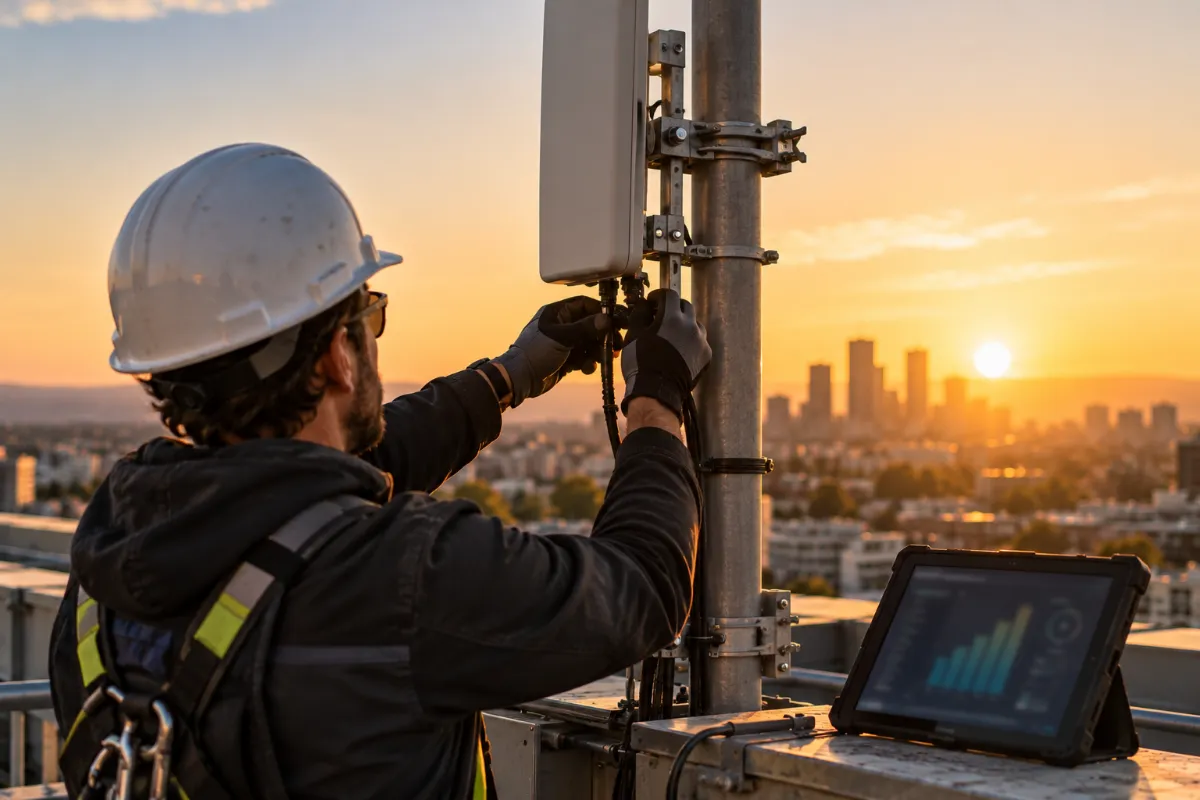
Here’s the catch. Most businesses don’t build 5G the way carriers do. You won’t buy towers or bid on spectrum. Instead, you choose how to use it, and that choice shapes your network. This guide explains the options, the real costs, and how to prepare.
How Businesses Actually Use 5G
Most companies use 5G in one of three ways:
- Public 5G for devices and mobile staff. Phones, tablets, laptops, and IoT devices connect through a carrier network.
- 5G as a wireless WAN. Cellular routers and fixed wireless access (FWA) provide branch connectivity or a backup link when fiber fails.
- Private cellular networks. A company builds its own 5G or LTE network on its own site, often on shared CBRS spectrum in the U.S.
Each option has different costs, skills, and risks. So start by matching 5G to a real business need.
Beyond Speed: What 5G Adds
Speed gets the headlines. But three features matter more for businesses.
Network Slicing
Network slicing creates virtual networks on shared infrastructure, each tuned for a different need. One slice might carry low-latency machine traffic while another handles bulk data. Here’s the catch: slicing and similar advanced features need a 5G Standalone (SA) core. Many early deployments used 5G radios on an older 4G core (Non-Standalone, or NSA), which limits what you can do. Ask your carrier or provider which one you’re getting.
Edge Computing
Edge computing places processing closer to devices. That reduces latency and improves responsiveness for applications like video analytics and robotics. Think of it as small data centers spread across the network, instead of one central hub.
Security
5G offers stronger authentication and encryption options than earlier generations. But those protections don’t secure your business automatically. Results depend on configuration, device security, and how you connect 5G to your wider network. Plan for segmentation and zero-trust controls, and manage your SIMs carefully.
5G vs. Wi-Fi 7: It’s Rarely Either-Or
Many teams ask whether 5G will replace Wi-Fi. In most cases, it won’t. The common 2026 pattern is to use both:
| Option | Best For | Watch Out For |
|---|---|---|
| Public 5G and FWA | Mobile devices, branch connectivity, backup links | Indoor signal quality, carrier plans, and coverage gaps |
| Private 5G or LTE (CBRS) | Large or outdoor sites, moving equipment like robots and vehicles, predictable performance | New skills (RF and core management), SIM management, integrator costs |
| Wi-Fi 7 | Offices, high-density indoor spaces, guest access, general IT | Handoffs between access points can struggle with fast-moving devices |
Many industry guides suggest a simple rule: start with Wi-Fi for general needs, and add private 5G for specific uses where mobility or predictable performance justifies it. Also, many “private 5G” deployments actually run on LTE, which is cheaper and often enough for scanners and sensors.
The Real Costs of 5G for a Business
The original version of this post listed tower upgrades, fiber, and spectrum licenses. Those are carrier costs. Here’s what businesses actually pay for:
- Devices. Cellular routers, gateways, and 5G-capable endpoints.
- Service. Carrier plans, and options like private APNs and static IPs for secure business links.
- Site work. Coverage surveys, antenna placement, and power.
- Wired backbone upgrades. Faster switch uplinks, more PoE capacity, and firewall throughput.
- Security tooling. Segmentation, monitoring, and SIM lifecycle controls.
- For private networks: radios, a 5G core (often delivered as a service), spectrum access, and skilled integrators. In the U.S., most enterprise private networks use the free General Authorized Access tier of CBRS. That avoids spectrum auctions and license fees, but the technology stack is new to most IT teams. If you lack RF and core expertise, a managed private wireless service often makes more sense.
How to Prepare Your Network for 5G
- Define your use cases. Name the problem 5G solves, such as branch backup, mobile devices, or factory-floor mobility.
- Test coverage where you need it. Run signal tests indoors and in dead spots, because coverage varies by site.
- Audit your wired network. Check switch uplinks, PoE budgets, and firewall capacity. Wireless is only as strong as the wired network behind it.
- Plan your security model. Use segmentation, zero-trust principles, and clear policies for SIMs and devices.
- Check device compatibility. Confirm your endpoints and gateways support the bands and features you need.
- Pilot before you scale. Test with one site or use case first.
- Plan for retirement. Decide what happens to old gear before new gear arrives. AI-driven tools can also help monitor the result. See our guide to AI network management.
What to Do With the Gear 5G Replaces
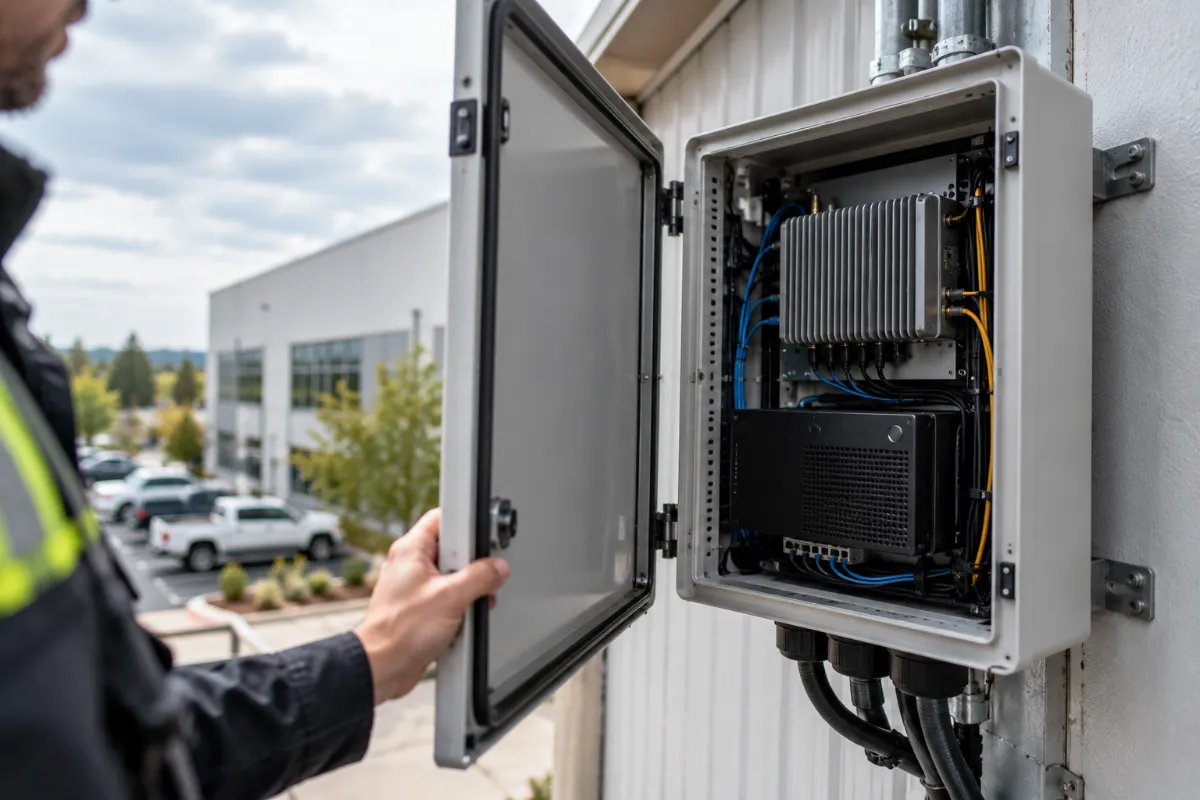
A 5G rollout usually retires older hardware. That includes LTE and legacy cellular routers, modems, gateways, access points, switches, firewalls, and IoT devices. U.S. carriers shut down their 3G networks years ago, so any leftover 3G-only gear no longer works on carrier networks.
Don’t toss retired gear in a closet or a dumpster. It still holds sensitive information:
- Configurations, passwords, certificates, and VPN keys stored on routers, gateways, and firewalls
- SIM cards, which identify your account and can allow network access. Deactivate them with your carrier and remove them before the device leaves your control.
- Logs and network data stored in onboard flash or storage
Here’s a safe retirement process:
- Inventory every device by serial number.
- Deactivate and remove SIMs, and revoke related credentials.
- Sanitize the device following current NIST SP 800-88 Revision 2 guidance, using certified data erasure or physical data destruction.
- Keep records with full chain of custody documentation.
- Recover value. Older but working gear often has resale value. Our asset recovery and value return programs help you capture it, and our partner site buys used networking equipment.
- Recycle the rest through R2v3-certified recycling.
Planning a bigger refresh across many sites? Our IT equipment refresh services, enterprise ITAD, and hardware removal teams can handle the logistics. For help deciding when gear is due, read our guide to replacing networking gear.
Frequently Asked Questions
Does my business need 5G?
Not necessarily. It depends on your use cases. Many businesses get what they need from Wi-Fi and wired networks, and add 5G for backup links, mobile devices, or specific mobility needs.
What’s the difference between 5G Standalone and Non-Standalone?
Non-Standalone (NSA) uses 5G radio access with an existing 4G core. Standalone (SA) uses a dedicated 5G core. SA supports advanced features like network slicing and better enterprise services.
What is network slicing?
It’s a way to create virtual networks on shared infrastructure, each tuned for a specific need, such as low latency or high bandwidth. It generally requires a 5G Standalone core.
Will 5G replace Wi-Fi?
In most cases, no. Many organizations use Wi-Fi 7 for offices and high-density areas, and private 5G for moving equipment or predictable performance on large sites.
What is CBRS?
CBRS is a shared band of spectrum in the U.S. (3.5 GHz) managed through a cloud-based system. Many enterprise private networks use it because the General Authorized Access tier avoids auctions and license fees.
What should I do with old cellular routers and modems?
Deactivate and remove the SIMs, sanitize the device following NIST SP 800-88 Revision 2, and keep records. Then check whether the equipment has resale value before you recycle it.
Final Thoughts
5G is now practical infrastructure, not a promise. The winning approach is to match it to real needs, pair it with a strong wired network, and plan for the old equipment it replaces. Do that, and your network benefits from 5G without leaving security gaps behind.
Planning a network refresh? Contact DES Technologies to retire old gear securely and recover value along the way.