
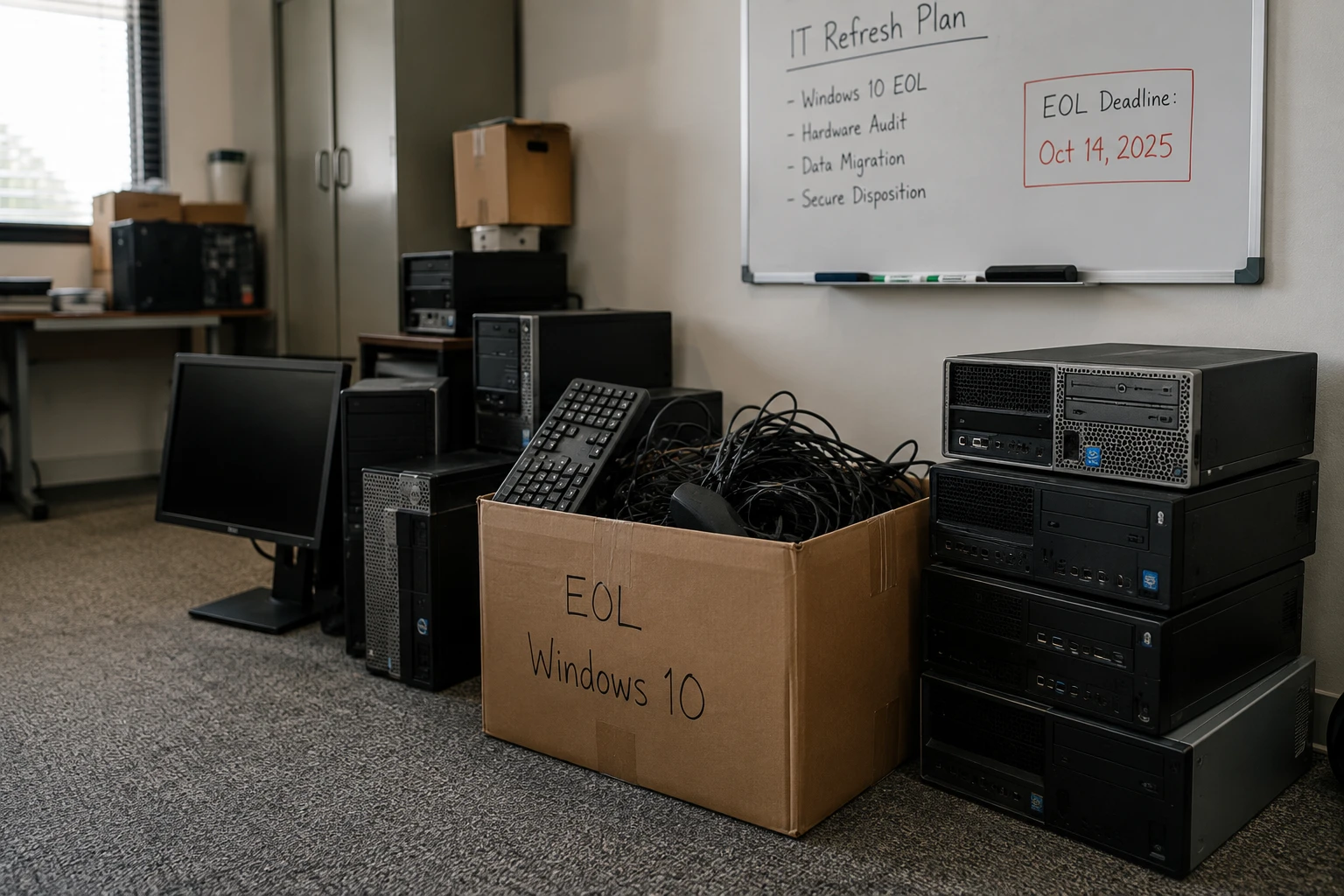
Windows 10 end of life did not end the refresh problem. It started the next wave.
Microsoft ended support for Windows 10 on October 14, 2025. Many devices still work. But they no longer receive free standard security updates, feature updates, or technical support from Microsoft.
That creates a hard question.
It affects SMBs, schools, government agencies, and regulated industries:
What should we do with our old Windows 10 computers?
For many teams, the answer is not simple. Some devices can move to Windows 11. Some need Extended Security Updates. Some should be sold. Some should be recycled. Some must go through secure data destruction before they leave the building.
DES Technologies helps organizations manage that decision. DES supports secure IT asset disposition, endpoint refresh projects, data erasure, asset recovery, and certified recycling.
What Should You Do With Old Windows 10 Computers?
First, sort your Windows 10 devices by age, condition, Windows 11 eligibility, data risk, and resale value. Upgrade compatible devices. Use ESU only as a short bridge for systems that need more time. Sell equipment with resale value. Recycle end-of-life hardware. Wipe or destroy all data-bearing media before resale, reuse, donation, or recycling.
Why Windows 10 EOL Still Matters in 2026
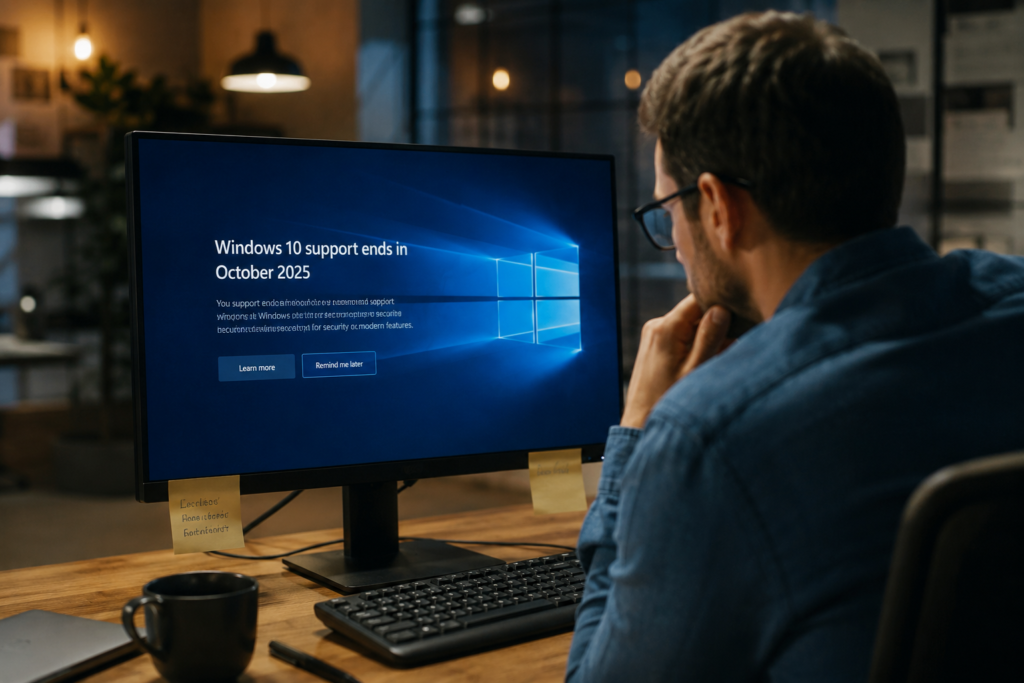
Windows 10 reached end of support on October 14, 2025. Microsoft says PCs can still work after that date. The risk is that they no longer receive regular free security updates or technical support.
Microsoft offers Extended Security Updates, also called ESU. ESU helps organizations keep some Windows 10 devices more secure while they finish migration. But Microsoft describes ESU as a temporary bridge, not a long-term plan.
That is why the refresh wave is still active in 2026.
Many organizations are still dealing with:
- Older laptops that do not meet Windows 11 requirements
- Desktops with app or driver conflicts
- Lab and kiosk systems tied to old software
- Budget delays
- Lease timing
- Grant-funded devices
- Imaging and deployment backlogs
- Data destruction and recycling needs
The operating system deadline passed. The hardware work is still moving.
The 240 Million Device Problem
Canalys estimated that about 240 million PCs could become e-waste. The estimate is tied to the Windows 10 support deadline and Windows 11 hardware requirements.
That number does not mean every device is trash. Many systems still have parts, reuse value, or resale value. But it does show the size of the problem.
Windows 11 has hardware requirements that many older PCs do not meet. Microsoft lists several Windows 11 requirements. These include a supported 64-bit processor, 4 GB of RAM, and 64 GB of storage. They also include UEFI Secure Boot and TPM 2.0.
For IT teams, that creates a sorting problem.
Which devices can upgrade? Which should be replaced? Which still have resale value? Which need data destruction? Which should be recycled?
That is where ITAD planning matters.
Why SMBs Are Still Feeling the Refresh Wave
SMBs often run lean IT teams. One person may manage help desk, devices, software, cybersecurity, vendors, and purchasing.
That makes Windows 10 EOL harder.
SMBs may have:
- Mixed laptop and desktop models
- Limited asset records
- Old line-of-business apps
- Devices shared by several employees
- Remote workers with company laptops
- Tight refresh budgets
- No formal ITAD process
The risk is not only security. It is also lost value.
Old Windows 10 computers may still be worth money if they are complete, working, and marketable. But that value drops over time. Waiting too long can turn a buyback opportunity into a recycling bill.
DES can help SMBs review a device list, identify value, wipe data, and route each asset to the right path.
Why Education and Government Need a Plan
Schools and government agencies face extra pressure.
Education teams often manage large fleets. These may include Windows laptops, lab desktops, tablets, servers, and networking equipment. Refresh schedules may depend on grants, budget cycles, academic calendars, and student testing windows.
DES supports education ITAD with device buyback, data destruction, pickup logistics, recycling, and chain-of-custody documentation.
Government teams also need strong records. Retired devices may contain citizen data, employee files, public safety information, or agency records. A casual recycling path can create risk.
DES supports government ITAD with secure handling, NIST 800-88-aligned data destruction, R2v3-certified processes, and audit-ready reporting.
For both sectors, the goal is clear. Retire devices without losing data, money, or documentation.
What To Do With Old Windows 10 Computers
Use this simple decision table before devices leave your control.
| Device Status | Best Next Step | Why It Matters |
|---|---|---|
| Eligible for Windows 11 | Upgrade and redeploy | Extends useful life and delays replacement cost |
| Not eligible but still needed | Use ESU as a short bridge | Buys time while migration continues |
| Working and no longer needed | Sell through ITAD buyback | Recovers value before demand drops |
| Contains sensitive data | Erase or destroy media first | Reduces breach and compliance risk |
| Broken or obsolete | Recycle through certified channels | Keeps e-waste out of improper disposal paths |
| Unknown status | Inventory and test first | Prevents value loss and missed data risk |
Build a Windows 10 EOL ITAD Checklist
Before you schedule pickup, build a clean list.
Your Windows 10 ITAD checklist should include:
- Device type
- Make and model
- Serial number
- Asset tag
- User or department
- Location
- Windows 11 eligibility
- Condition
- Storage type
- Data sensitivity
- Accessories included
- Lease or ownership status
- Planned disposition path
This list helps IT, finance, procurement, and compliance make better decisions.
It also speeds up quotes. A clear list helps DES determine which devices may qualify for asset recovery, resale, recycling, or secure destruction.
Do Not Skip Data Destruction
Old computers often contain more data than teams expect.
Even after a user signs out, data can remain.
The device may still hold:
- Local files
- Cached credentials
- Browser data
- Email downloads
- Customer records
- Student information
- Patient information
- Financial documents
- Encryption keys
- App data
A factory reset may not be enough for business risk.
DES provides data erasure and physical destruction options for drives, SSDs, and other media. DES also supports chain-of-custody documentation so organizations can prove what happened to each asset.
NIST SP 800-88 Rev. 2 is the key standard for media sanitization. It helps organizations choose Clear, Purge, or Destroy methods based on media type and risk.
Sell, Reuse, Donate, or Recycle?
Not every old Windows 10 device should go to the same place.
Reuse
Reuse works when a device is safe, supported, and useful for a lower-risk role. Some systems may support training rooms, kiosks, or spare device pools.
Sell
Selling makes sense when the device has resale value. Laptops, desktops, workstations, monitors, docks, and related equipment may help offset refresh costs.
DES supports asset recovery for organizations that want value back from retired equipment.
Donate
Donation can help schools, nonprofits, or community programs. But devices must be wiped first. They should also be complete, unlocked, and useful.
Recycle
Recycling is best for broken, obsolete, incomplete, or low-value equipment. DES uses responsible recycling channels through R2v3-certified processes.
The best strategy is often mixed. Sell high-value assets. Reuse what is safe. Recycle what has reached end of life. Destroy data-bearing media when policy requires it.
Cost-Saving Tips for the 2026 Refresh Wave
Windows 10 EOL can be expensive. But a better ITAD plan can reduce the hit.
Start Before Devices Pile Up
Do not wait until every replacement is done. Begin valuing retired devices as soon as they come out of service.
Keep Accessories Together
Chargers, docks, power supplies, keyboards, mice, and monitors can affect resale value. Pack them with the right devices when possible.
Separate High-Value Assets Early
Do not treat all equipment like scrap. Newer laptops, workstations, and complete business desktops may still have value.
Use One Secure Process
One partner can manage pickup, data destruction, buyback, recycling, and reporting. That reduces handoffs and confusion.
Document Everything
Keep asset lists, serial numbers, certificates, and final reports. Good records help with audits, insurance, compliance, and finance.
Common Mistakes to Avoid
Avoid these Windows 10 EOL mistakes:
- Waiting until ESU expires to plan disposal
- Recycling devices before checking resale value
- Donating computers without wiping data
- Forgetting remote workers’ laptops
- Ignoring chargers, docks, and accessories
- Mixing leased and owned assets
- Losing serial number records
- Using a recycler that cannot provide documentation
- Treating school or government devices like normal consumer e-waste
These mistakes cost money. Some also create data risk.
How DES Helps With Windows 10 EOL ITAD
DES Technologies helps organizations turn a messy endpoint refresh into a controlled ITAD project.
DES can support many needs. These include:
- Windows 10 endpoint refresh projects
- Laptop and desktop buyback
- SMB ITAD
- Education ITAD
- Government ITAD
- Asset inventory and tracking
- Secure data erasure
- Physical data destruction
- Chain-of-custody reporting
- R2v3-certified recycling processes
- Nationwide logistics
- Final disposition reports
If your team is still working through Windows 10 EOL in 2026, DES can help. Our team protects data and recovers value before devices lose market demand.
FAQ
When did Windows 10 reach end of life?
Windows 10 reached end of support on October 14, 2025. After that date, Microsoft stopped providing free standard security updates, feature updates, and technical support for Windows 10.
Can businesses still use Windows 10 in 2026?
Yes, Windows 10 PCs can still run in 2026. But unsupported devices carry more risk. Organizations that need more time may use Extended Security Updates as a short bridge while they migrate.
What should I do with old Windows 10 computers?
Inventory the devices first. Upgrade eligible systems. Sell working equipment with resale value. Recycle end-of-life hardware. Wipe or destroy all data-bearing media before devices leave your control.
Are old Windows 10 computers worth anything?
Some are. Value depends on make, model, age, condition, specs, quantity, and demand. Complete laptops, desktops, workstations, monitors, and accessories may qualify for asset recovery or buyback.
Why use DES for Windows 10 EOL ITAD?
DES Technologies provides secure ITAD, data erasure, chain of custody, asset recovery, and documentation. DES also supports R2v3-certified recycling processes for SMBs, schools, government agencies, and enterprise teams.