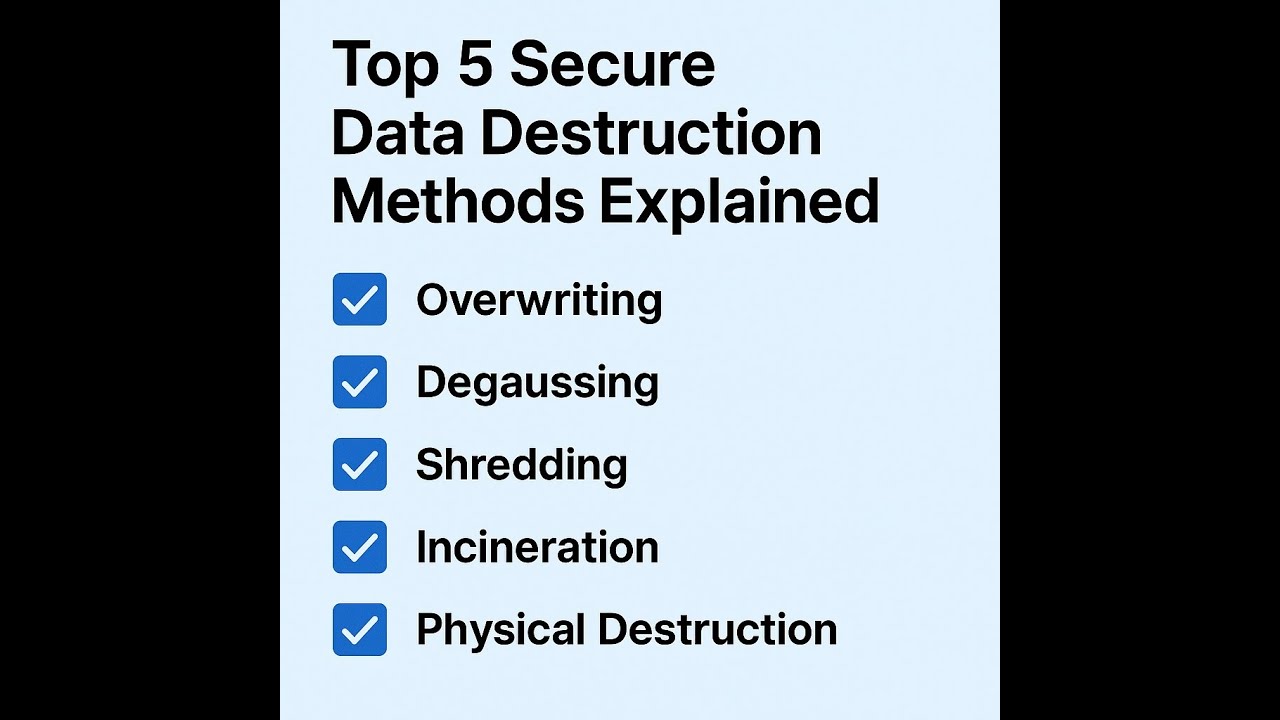
Top 5 Secure Data Destruction Methods Explained
Here’s how your business can securely destroy data — and which method is right for you.
In the digital age, where data breaches can lead to catastrophic consequences, businesses can no longer afford to overlook the importance of secure data destruction. Whether you’re retiring outdated equipment, complying with data privacy laws, or just trying to protect sensitive company information, using the right data destruction method is critical.
In this comprehensive guide, we’ll break down the top five data destruction methods — degaussing, overwriting, shredding, incineration, and physical destruction — and explain the pros and cons of each. By the end, you’ll also get our tailored recommendation for clients at DES3Tech on choosing the most secure, efficient, and compliant method.
Overview of the Top 5 Data Destruction Methods
Before we dive into the technicalities and practical considerations, here’s a high-level overview of the five most commonly used data destruction techniques.
1. Overwriting (Data Erasure)
Overwriting involves replacing existing data on a storage device with meaningless data patterns (like 1s and 0s). It’s often done using specialized software tools.
2. Degaussing
Degaussing uses powerful magnetic fields to disrupt the magnetic domains on storage devices, effectively scrambling the data and making it unreadable.
3. Shredding
This is a mechanical process that physically grinds or cuts hard drives and other storage media into tiny pieces, rendering the data irretrievable.
4. Incineration
Incineration burns the device at extremely high temperatures, completely destroying both the data and the physical device.
5. Physical Destruction (Crushing or Drilling)
Physical destruction involves piercing, crushing, or otherwise damaging the storage device to prevent data recovery. This can be done manually or with hydraulic presses and specialized tools.
Pros and Cons of Each Data Destruction Method
Each method offers unique benefits and potential drawbacks. The right choice depends on your compliance needs, security requirements, equipment types, and budget.
🔄 1. Overwriting
Pros:
-
Cost-effective for individual users and small businesses.
-
Can be performed multiple times (multi-pass) for increased security.
-
Complies with many data protection standards (when verified).
Cons:
-
Time-consuming, especially for large drives.
-
Not effective on damaged or malfunctioning drives.
-
Doesn’t physically destroy the device — data recovery is still theoretically possible if improperly executed.
Best For: Businesses needing software-based solutions for functioning storage devices and compliance with moderate data privacy standards.
🧲 2. Degaussing
Pros:
-
Instantaneous destruction of data on magnetic media.
-
Effective even for very large data volumes.
-
Some high-security certifications (NSA/CSS) accept degaussing for specific applications.
Cons:
-
Only works on magnetic media (HDDs, tapes) — not SSDs or flash-based devices.
-
Expensive equipment; not practical for occasional use.
-
Also destroys device firmware — drive cannot be reused.
Best For: Enterprises retiring large quantities of hard drives or magnetic tapes, especially where data must be destroyed quickly and irreversibly.
🧨 3. Shredding
Pros:
-
Physically destroys all components.
-
Scalable: devices can be batch-processed.
-
Works on all device types (HDDs, SSDs, optical media).
Cons:
-
Requires specialized shredding equipment.
-
Not always sufficient for SSDs unless particles are reduced to sub-millimeter sizes.
-
May require post-processing to ensure compliance with some data destruction standards.
Best For: Organizations with high-security requirements that want to physically destroy media as part of their standard operating procedure.
🔥 4. Incineration
Pros:
-
Total destruction of all data and device materials.
-
Fast and efficient for bulk destruction.
-
Often used by government and defense organizations.
Cons:
-
Environmental concerns and emissions.
-
Requires high-temperature industrial furnaces.
-
Not readily accessible for most private companies.
Best For: Military, government, or industrial sectors needing guaranteed, immediate data destruction — with the infrastructure to handle it.
🔧 5. Physical Destruction (Crushing/Drilling)
Pros:
-
Simple and inexpensive.
-
Highly effective at rendering data unrecoverable (especially if combined with other methods).
-
Requires minimal training or tools.
Cons:
-
May leave residual data unless completely pulverized.
-
Not compliant with some industry standards unless used alongside certified methods.
-
Risk of injury if improperly handled.
Best For: Small businesses or startups needing an affordable, manual method to ensure old drives are inoperable.
Matching the Method to Your Device
Not all data destruction methods are universally effective. Here’s how to pair the method to the type of device you’re dealing with:
| Device Type | Recommended Methods | Notes |
|---|---|---|
| HDDs (Hard Drives) | Degaussing, Overwriting, Shredding | Degaussing and shredding offer maximum security. |
| SSDs (Solid-State Drives) | Shredding (sub-mm), Incineration, Physical Destruction | Overwriting not always reliable; degaussing ineffective. |
| Magnetic Tapes | Degaussing, Incineration | Degaussing is fast and efficient for tapes. |
| Optical Discs (CD/DVD) | Shredding, Incineration | Overwriting not applicable; physical methods best. |
| Mobile Devices | Shredding, Overwriting + Factory Reset | Shredding guarantees full destruction of storage chips. |
When in doubt, use two methods in combination — for example, overwriting followed by shredding — especially for high-security environments or regulated industries like healthcare and finance.
Our Recommendation for Clients at DES3Tech
At DES3Tech, our clients span healthcare providers, financial institutions, educational organizations, and enterprise IT departments — all of whom deal with vast amounts of sensitive and regulated data. Based on our experience and industry trends, here’s what we recommend:
✅ Primary Recommendation: Shredding (with Verification)
For clients seeking a balance of security, speed, and compliance, shredding remains the most dependable choice. It physically destroys drives of all types and can be scaled to handle dozens or hundreds of devices at once. We partner with certified e-waste recycling vendors who meet NIST 800-88 and NAID AAA standards, ensuring full audit trails and certificates of destruction.
🔒 For Highly Regulated Clients: Dual-Phase Destruction
For clients in healthcare, government, or finance, we advise a two-step process:
-
Overwriting or Degaussing (depending on media type)
-
Followed by Physical Destruction (Shredding or Crushing)
This ensures full compliance with HIPAA, GLBA, FISMA, and other regulatory standards while delivering peace of mind.
🌍 Eco-Conscious Disposal
Shredded and incinerated media should be disposed of responsibly. DES3Tech only works with R2-certified recycling partners to minimize landfill waste and environmental harm.
Final Thoughts: Choose Security Over Convenience
Failing to properly destroy data isn’t just risky — it can be catastrophic. Data theft, identity fraud, corporate espionage, and regulatory penalties are all real consequences of lax data disposal practices. That’s why at DES3Tech, we advocate secure-by-design workflows from data collection all the way to final destruction.
Before choosing a data destruction method, always ask:
-
What type of device am I destroying?
-
What compliance regulations must I meet?
-
How sensitive is the data?
-
Do I need proof of destruction?
-
Is the method scalable for my environment?
Need help evaluating your data destruction strategy?
Reach out to our compliance experts at DES3Tech for a customized destruction plan, device audit, or to schedule certified destruction services on-site or off-site.