iPad in the Education System
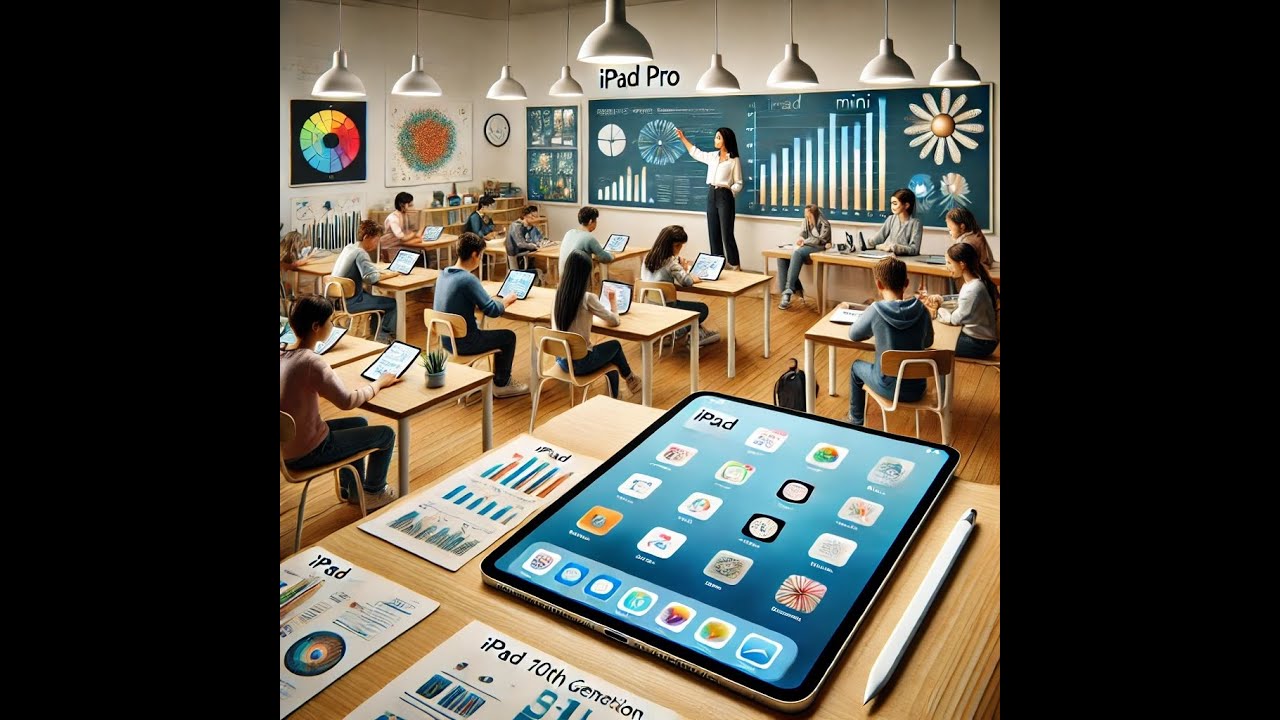
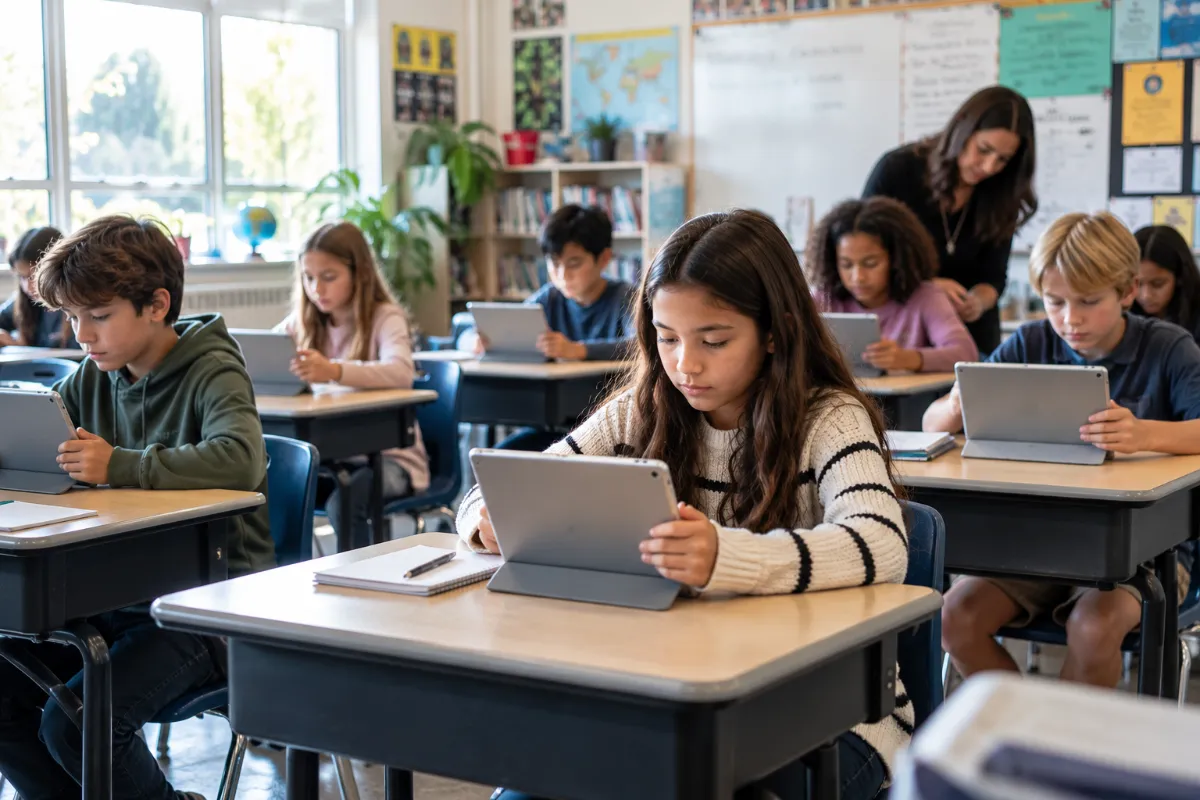
The digital age has transformed the way we learn. iPads, in particular, have become a staple in the education system. These sleek devices offer a versatile and portable learning tool. They cater to students of all ages, from kindergarteners to college graduates.
But why are iPads so popular in education? What makes them stand out from other devices?
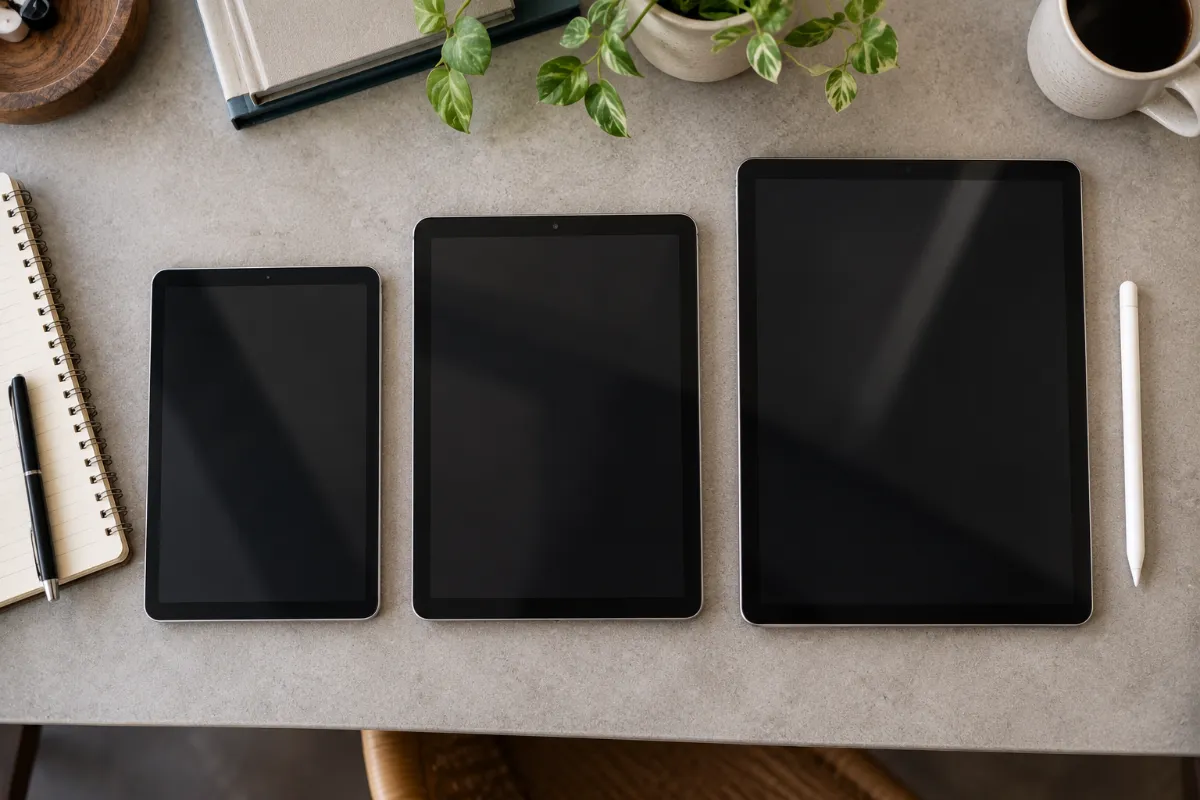
This article will delve into the role of iPads in modern education. We’ll explore the benefits they bring to the learning environment. We’ll also compare the current iPad models suitable for educational purposes, from the high-performance iPad Pro to the budget-friendly base iPad, to help you choose the right one for your needs.
Join us as we navigate the world of iPad in education. Discover how this technology is shaping the future of learning.
The Role of iPads in Modern Education
iPads have revolutionized the way we approach education. They offer a unique blend of accessibility, portability, and interactive learning.
One of the key benefits of iPads is their ability to support personalized learning experiences. Each student can work at their own pace, focusing on areas where they need improvement.
iPads also foster collaboration among students and teachers. With features like shared documents and real-time editing, group projects have never been easier.
Moreover, iPads come with a range of accessibility features. These support diverse learning needs, making education more inclusive.
Finally, iPads can significantly enhance student engagement and motivation. Interactive apps and digital textbooks make learning more exciting and immersive.
In short, iPads are not just gadgets. They are powerful educational tools that can transform the learning environment.
Choosing the Right iPad for Educational Needs
Choosing the right iPad for educational needs is crucial. It’s not just about picking the latest model. It’s about understanding the specific needs of the students and the educational environment.
For instance, a high school student using graphic design apps would benefit from a high-performance iPad. A primary school student, on the other hand, might need a smaller, more affordable device.
Here are some key factors to consider:
- Performance: Does the iPad have enough power to run educational apps smoothly?
- Size: Is the iPad the right size for the student’s hands and backpack?
- Durability: Can the iPad withstand the rigors of the school environment?
- Cost: Is the iPad affordable for the school or parents?
- Longevity: Will the iPad receive software updates for several years?
iPad Pro and the M5 Chip: Performance in Education
The iPad Pro, now available in 11-inch and 13-inch sizes with the M5 chip, is a powerhouse. It can handle demanding educational apps with ease, and its OLED display makes it especially strong for visual and creative work.
This makes it ideal for high school and college students, especially those studying graphic design, video editing, or other resource-intensive subjects.
However, the iPad Pro comes with a higher price tag, starting around $999 for the 11-inch model. Schools and parents need to consider whether the performance benefits justify the cost for most students’ actual needs.
The Base iPad: Budget-Friendly Learning Companion
The current base iPad (11th generation, A16 chip) is the most budget-friendly option in Apple’s lineup, starting around $349. It offers solid performance for most educational apps.
This iPad model is a great choice for schools on a tight budget. It’s also suitable for younger students who don’t need the high performance of the iPad Pro or iPad Air.
One thing worth noting: the base iPad’s A16 chip doesn’t currently support Apple Intelligence, unlike the Air, Pro, and mini. If AI-assisted features matter for your curriculum, that’s a real consideration.
iPad Mini: The Perfect Fit for Young Learners
The iPad mini’s compact 8.3-inch size makes it ideal for younger students. It’s easier for small hands to hold and fits comfortably in smaller backpacks. The current model runs on the A17 Pro chip with Apple Intelligence support, and it doesn’t compromise much on performance for most educational apps.
However, the smaller screen may not be ideal for older students or for tasks that require a larger display. Worth keeping an eye on: rumors point to a refreshed iPad mini with an OLED display later in 2026, so if you’re not in a rush, it may be worth checking current availability before purchasing.
iPad Air: The Balanced Choice for Students and Educators
The iPad Air, refreshed with the M4 chip in March 2026, strikes a balance between performance and portability, and it’s available in both 11-inch and 13-inch sizes. It’s powerful enough for most educational apps, yet light enough for students to carry around.
The iPad Air is a versatile choice, suitable for a wide range of students and educators, often described as the best pick for most users who want strong performance without paying Pro prices.
It’s priced below the Pro line, starting around $599, though it still costs more than the base iPad. Schools and parents need to weigh the benefits against the cost.
iPad for Students: Enhancing Learning Experiences
iPads offer a versatile and portable learning tool for students of all ages. They can enhance learning through interactive and engaging educational apps.
iPads support personalized learning experiences for students, allowing them to learn at their own pace and in their own style. Moreover, iPads foster collaboration among students and teachers, making it easy to share work, give feedback, and work on projects together.
Here are some ways iPads enhance learning experiences:
- Interactive learning: iPads support interactive learning through touch, sound, and visuals.
- Personalized learning: iPads allow students to learn at their own pace and in their own style.
- Collaboration: iPads make it easy to share work, give feedback, and work on projects together.
- Accessibility: iPads come with built-in accessibility features that support diverse learning needs.
Interactive and Engaging Educational Apps
Educational apps can make learning more interactive and engaging. They can turn abstract concepts into tangible experiences.
For instance, a math app can turn a complex problem into a fun puzzle. A science app can simulate experiments that would be impossible in a real classroom.
Moreover, educational apps can provide instant feedback, allowing students to learn from their mistakes and improve their understanding.
However, it’s important to choose educational apps carefully. Not all apps are created equal. Some are more effective and engaging than others.
Accessibility and Personalized Learning
iPads come with built-in accessibility features that can support students with diverse learning needs.
For instance, VoiceOver can read aloud what’s on the screen, which can help students with visual impairments. Similarly, Speak Selection can read aloud selected text, supporting students with reading difficulties.
Models with Apple Intelligence support — currently the iPad mini, iPad Air, and iPad Pro — also bring on-device AI writing and accessibility tools into the mix, which is worth factoring into a device decision for students with more intensive support needs.
Moreover, iPads can support personalized learning, allowing students to learn at their own pace and in their own style. However, it’s important to provide training and support for teachers, since they need to know how to use these features effectively in the classroom.
The Economic Perspective: Resell Value and Buyback Programs
Investing in iPads for education is not just about the upfront cost. It’s also about the resell value and buyback programs.
iPads have a high resell value. This means schools can recoup a significant portion of their investment when they upgrade to newer models.
Moreover, buyback programs can make this process even more cost-effective. They can offer competitive prices for used iPads, making it easier for schools to upgrade their devices.
Here are some key points to consider:
- Resell value: iPads have a high resell value, which can help schools recoup their investment.
- Buyback programs: These programs can offer competitive prices for used iPads, making it easier for schools to upgrade their devices.
- Sustainability: Buyback programs can also support sustainability by ensuring that used iPads are recycled or reused responsibly.
Why Use DES Technologies for iPad Buyback
DES Technologies is rated #1 for buyback programs. We offer competitive prices for used iPads, making it easier for schools to upgrade their devices, backed by our dedicated Education Buyback program.
Moreover, DES Technologies supports sustainability. We ensure that used iPads are recycled or reused responsibly, and any devices holding student or staff data go through proper sanitization before resale — a step that matters just as much for a fleet of retired classroom iPads as it does for enterprise hardware.
In addition, DES Technologies offers a simple and hassle-free process, with free shipping and fast payment, making the buyback process smooth and convenient.
Therefore, DES Technologies is a great choice for schools looking to upgrade their iPads. We offer a cost-effective and sustainable solution for managing used devices.
iPad in Education: Comparisons and Considerations
When it comes to using iPads in education, there are several factors to consider: the specific needs of the students, the budget of the school, and the intended use of the device.
For instance, the iPad Pro with the M5 chip offers high performance, making it suitable for demanding educational apps. However, it is also the most expensive model.
On the other hand, the base iPad is a more budget-friendly option, offering good performance for most educational apps at a much lower cost.
Here are some key points to consider:
- Performance: The iPad Pro offers the highest performance, making it suitable for demanding educational apps.
- Cost: The base iPad is the most budget-friendly option, offering good performance for most everyday educational apps.
- Size: The iPad mini’s compact size makes it ideal for younger students, while the iPad Air offers a balance of power and portability.
iPad Pro vs. iPad Air: Which Suits Education Best?
When comparing the iPad Pro and the iPad Air for education, there are several factors to consider.
The iPad Pro offers the highest performance in the lineup, making it suitable for demanding educational apps like advanced video editing or 3D design. However, it is also the most expensive model, particularly at the 13-inch size.
The iPad Air, refreshed with the M4 chip, offers a strong balance of power and portability. It costs meaningfully less than the Pro, making it a more budget-friendly option for schools that still want solid performance headroom.
Therefore, the best choice depends on the specific needs and budget of the school. Both models offer great features for education, but for most schools, the iPad Air remains the more cost-effective choice over the Pro.
Case Studies: iPads Making a Difference in Classrooms
iPads have been making a significant impact in classrooms around the world. They have been used to enhance learning experiences, foster collaboration, and support personalized learning.
For instance, schools that have integrated iPads into their curriculum have reported increased student engagement and motivation, with the interactive nature of iPad apps making learning more enjoyable for students.
iPads have also supported remote and hybrid learning models, allowing students to continue their education from home when needed, while facilitating communication between students and teachers.
In special education settings, the accessibility features of iPads have helped create more inclusive learning environments, giving students additional ways to express themselves and engage with material suited to their individual needs.
These examples highlight the potential of iPads in education — how the devices can enhance learning, support diverse needs, and facilitate flexible models of education.
Frequently Asked Questions
Which iPad is best for schools on a tight budget?
The base iPad (currently the 11th generation, A16 chip) is the most affordable option and handles most standard educational apps well, though it doesn’t currently support Apple Intelligence.
Which iPad model is best for younger students?
The iPad mini’s compact 8.3-inch size makes it easier for smaller hands to hold and fits well in smaller backpacks, while still supporting Apple Intelligence with its A17 Pro chip.
Is the iPad Pro worth it for a school?
Usually only for specific use cases — students doing intensive creative work like video editing, 3D design, or graphic design will benefit from the iPad Pro’s M5 chip and OLED display. For most everyday classroom use, the iPad Air or base iPad offers better value.
What happens to a school’s old iPads when they upgrade?
Retired iPads still holding student or staff data should go through proper data sanitization before resale, donation, or recycling. DES Technologies’ Education Buyback program handles this alongside offering competitive buyback pricing.
Conclusion: The Future of iPads in Education
The future of iPads in education looks promising. With continuous advancements in technology — including on-device Apple Intelligence features already present in the current Air, Pro, and mini lineup — iPads are expected to offer even more capabilities to enhance learning experiences.
The integration of AI-assisted tools directly into educational apps will likely continue to shape how students learn, offering more immersive and personalized learning experiences over time.
In conclusion, iPads have the potential to transform education. They offer a versatile and powerful tool that can support diverse learning needs, foster engagement, and prepare students for a digital future. And when it’s time to upgrade, a responsible buyback program helps your school recover value from the devices you’re retiring.