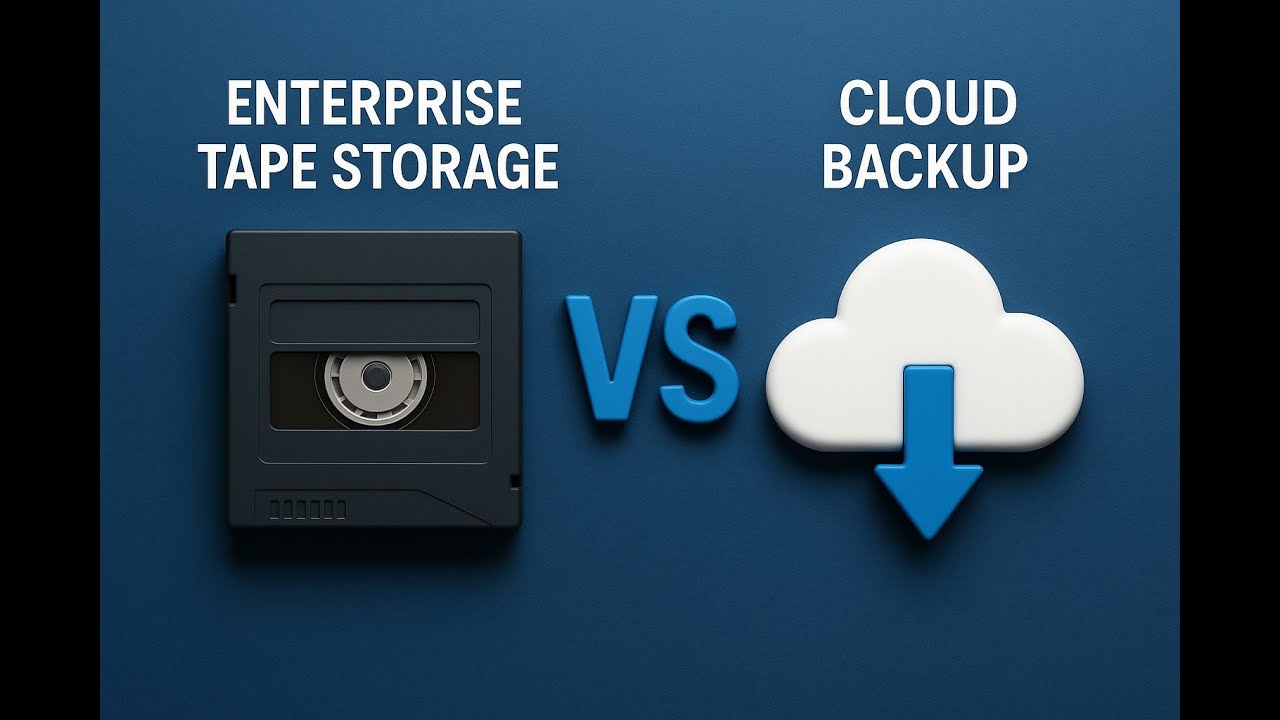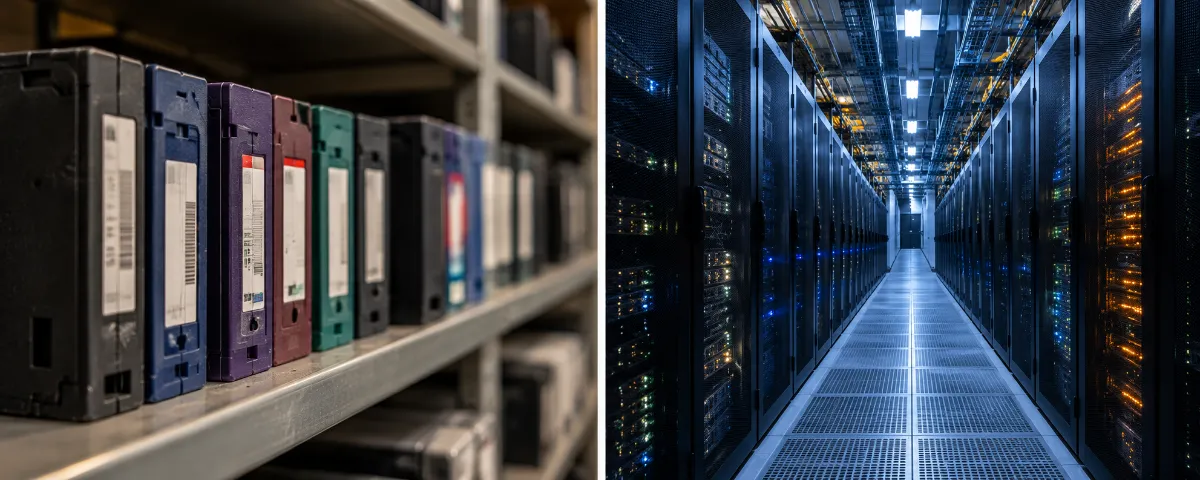
Every IT leader eventually asks the same question. Is tape or cloud the safer place for long-term backups? Both options work well, and both are widely used. But they protect your data in very different ways.
So this guide breaks down how each one handles security, access, compliance, and cost. By the end, you’ll know which one fits your enterprise, or whether you need both.
Understanding the Fundamentals
What Is Enterprise Tape Storage?
Enterprise IT has relied on tape for decades. It stores data on magnetic cartridges in a linear format. Some people call it legacy technology. Yet tape remains a go-to choice for archiving and regulatory compliance.
Here’s what makes tape stand out:
- Low cost per gigabyte at high capacity
- Shelf life of up to 30 years
- Natural air gap that blocks online threats
Capacity keeps growing, too. LTO-10 now offers 30TB and 40TB native cartridges. It also drops backward compatibility, so plan your migration carefully. For a full comparison, see our guide on LTO-8 vs. LTO-9 vs. LTO-10.
What Is Cloud Backup?
Cloud backup, sometimes called Backup-as-a-Service (BaaS), stores your data on remote servers. Providers like AWS, Azure, and Google Cloud run those servers. Specialized providers like Backblaze and Wasabi do too. You send and retrieve data over the internet.
Here’s what the cloud does well:
- Access from any location
- Built-in disaster recovery options
- Automation, monitoring, and analytics
Security Comparison: Tape vs. Cloud
Security drives most of these decisions, so let’s look at it from four angles.
1. Threat Landscape and Attack Surface
Tape: A Minimal Attack Surface
Offline tape can’t be reached from your network. That blocks ransomware, malware, and remote attacks. So physical access becomes the main weakness. If someone steals a tape, they can read or alter the data unless you encrypt it.
Pros: Resists cyberattacks. Ransomware can’t touch tapes that sit offline.
Cons: Theft, fire, and degradation can still hurt you. Manual handling also creates room for human error.
Cloud: Broader Exposure, Stronger Digital Defenses
Cloud environments are connected and complex. That widens the attack surface. Even so, providers offer strong defenses:
- Encryption at rest and in transit
- Multi-factor authentication (MFA)
- Intrusion detection
- Geographic replication
Pros: Providers monitor and patch the platform constantly. Access controls and compliance tools come built in.
Cons: Stolen credentials, misconfigurations, and insider threats still cause real damage. You also depend on your internet connection and your provider.
The stakes here are high. IBM’s 2025 Cost of a Data Breach Report puts the global average at $4.44 million. In the United States, that average hits $10.22 million. So the threat model you choose matters.
2. Encryption and Data Integrity
Tape
Modern LTO drives support AES-256 hardware encryption. You can also use WORM (Write Once, Read Many) media. That stops anyone from changing data after it’s written.
However, end-to-end security depends on how you manage the tapes. Ask yourself:
- Do you store encryption keys securely?
- Do you label and track every tape?
- Do you secure tapes during offsite transport?
Cloud
Cloud providers usually offer strong encryption by default. Data stays encrypted in transit (TLS) and at rest (AES-256). Some providers let you control your own keys, which is called Bring Your Own Key (BYOK). Automatic integrity checks also catch corruption early.
Cloud has one more tool worth knowing: immutable storage. Major providers now offer features like object lock, which blocks anyone from deleting or changing backups for a set period. That narrows the old gap with tape’s WORM protection. But it only works if your team configures it correctly.
Winner: Cloud for automation and ease of use. Tape can match it, though, when you manage it carefully.
3. Access Control and Authentication
Tape
Tape access is physical. You protect it with locked vaults, restricted access, and chain of custody procedures. That keeps remote attackers out. But it also means you get fewer detailed access logs.
Cloud
Cloud platforms offer fine-grained control:
- Role-based access control (RBAC)
- Multi-factor authentication
- API and identity policies
- Detailed logging of who accessed what, and when
Winner: Cloud for its access control and audit capabilities.
4. Compliance and Regulatory Requirements
Regulations like GDPR, HIPAA, PCI-DSS, and SOX require you to protect sensitive data. They also expect auditability and timely access or deletion.
Tape
Tape handles long-term archival and immutability well, especially with WORM media. But retrieving specific data takes time and effort. GDPR’s right to be forgotten also gets tricky. You can’t delete one record from a tape without rewriting or destroying the whole cartridge.
Cloud
Cloud providers offer compliance certifications and audit trails. They also support data tagging, retention policies, and automatic deletion workflows.
Winner: Cloud for day-to-day compliance. Tape still leads for long-term, unchangeable archives.
Risk Factors and Disaster Scenarios
Physical Disaster Risks
Tape faces fire, flood, magnetic interference, and slow degradation. You need climate-controlled storage and regular checks. Cloud storage copies your data across regions, so it stays available through local disasters.
Insider Threats and Mismanagement
Tape suffers from human error. Mislabeled or misplaced cartridges can mean permanent data loss. Cloud suffers from misconfiguration. Wrong permissions, disabled encryption, and shared passwords all open doors. Monitoring tools help, but only if someone watches the alerts.
Either way, good processes matter more than the technology itself.
Cost and Practicality
Security isn’t the only factor. Cost and usability count too.
Cost
- Tape: Lower cost per gigabyte, especially for cold data you rarely touch. But upfront equipment costs run higher, and you pay for ongoing maintenance.
- Cloud: Pay-as-you-go pricing scales easily. Over time, though, costs can climb. Frequent access and large egress fees add up fast.
Ease of Use
- Tape: Needs manual work for storage, cataloging, and retrieval.
- Cloud: Supports automation and plugs into disaster recovery workflows.
Hybrid Approaches: The Best of Both?
Many enterprises don’t pick one. They combine both for layered protection:
- Tape for archives and offline, air-gapped backups
- Cloud for active backups and fast recovery
A typical setup looks like this:
- Monthly full backups on tape
- Daily incremental backups to the cloud
- Cloud-to-tape copies for long-term retention
This approach balances cost, access, security, and compliance. It also helps if you’re mid-migration. Our cloud migration services can help you plan that transition without losing track of your data.
What Happens to Old Tapes When You Switch?
Here’s a step many teams forget. When you move backups to the cloud or upgrade to a new LTO generation, old tapes pile up. And those tapes still hold data.
Don’t just toss them. Deleting a backup job doesn’t wipe a cartridge. So you need a plan for each tape:
- Sanitize it following current NIST SP 800-88 Revision 2 guidance
- Degauss it if you need to render the data unreadable, using our degaussing services
- Destroy it through certified physical data destruction when your policy requires it
Before you destroy anything, check for resale value. Some tape and drive equipment still has real value through asset recovery. If you’d like to see what yours might be worth, our partner site We Buy Used IT Equipment evaluates surplus LTO media. Large projects fit well into a full data center decommissioning plan, with on-site services available when media can’t leave your facility.
So, Which Is More Secure?
It depends on your threat model, data volume, compliance needs, and team capacity. This table sums it up:
| Category | Winner |
|---|---|
| Ransomware Protection | Tape |
| Encryption Management | Cloud |
| Access Control | Cloud |
| Compliance Support | Cloud |
| Physical Security | Tie (depends on your setup) |
| Cost for Long-Term Archival | Tape |
| Recovery Speed | Cloud |
Frequently Asked Questions
Is tape more secure than cloud backup?
It depends on the threat. Offline tape resists ransomware better because attackers can’t reach it from the network. Cloud offers stronger access controls, logging, and automated encryption. Many enterprises use both.
Can ransomware affect tape backups?
Not when tapes sit offline. A tape stored on a shelf can’t be encrypted by an attacker. Tapes that stay loaded in a connected library are a different story, so air gap them whenever you can.
What is immutable cloud storage?
It’s a feature that blocks anyone from changing or deleting backup data for a set time. It works like WORM tape, but in the cloud. You need to configure it correctly for it to protect you.
Does GDPR’s right to be forgotten work with tape?
It’s difficult. You can’t remove a single record from a tape. Instead, you typically rewrite or destroy the entire cartridge, so plan your retention and deletion policies around that.
What should we do with old tapes after moving to the cloud?
Don’t discard them as ordinary waste. Sanitize or destroy them following NIST SP 800-88 Revision 2, and document the process. First, check whether they have resale value.
Ready to Retire Old Backup Media?
Whether you’re moving to the cloud, upgrading your tape environment, or building a hybrid strategy, the old media still needs a secure end of life. Contact DES Technologies to talk through certified data destruction, asset recovery, and R2v3-certified recycling for your retired backup media.